
About Social Feed by grip space: what it does, how it works and who makes it
Social Feed by grip space is a tool to show your Instagram posts on your own website. This article explains what it does, how it works, what it costs and who makes it.
Updated October 12, 2026
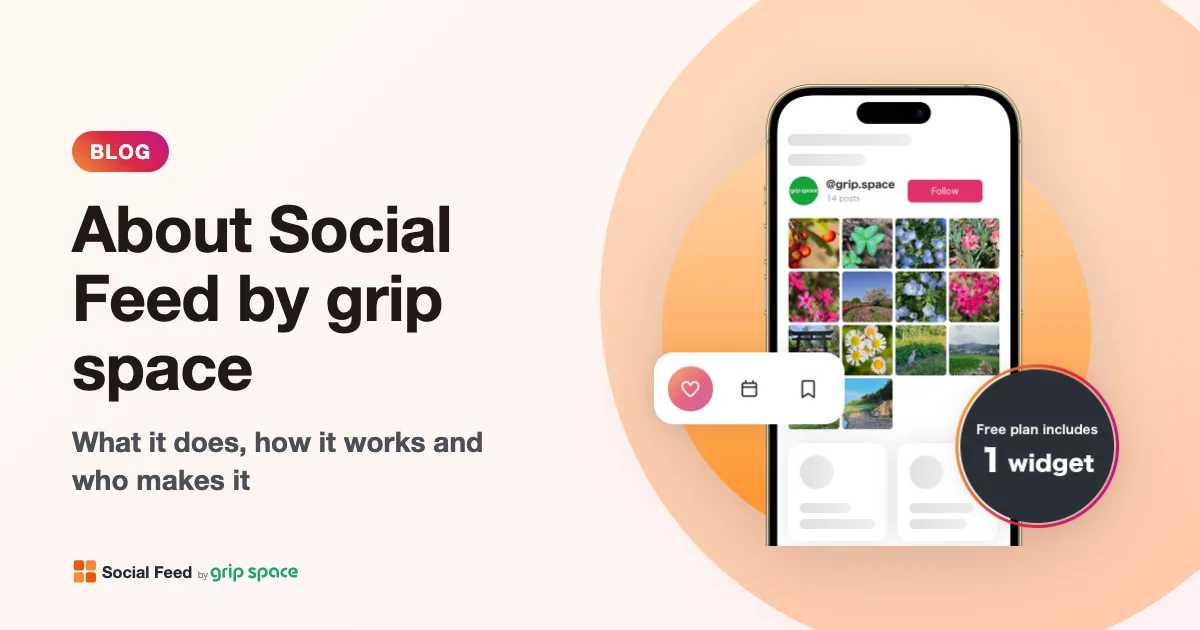
What it does
You connect your Instagram account, choose how the feed looks, and paste one embed code on your website. Your latest Instagram posts then appear on your site as a grid or a slider, and new posts are added automatically. You do not need to change the code when you post.
The embed code works anywhere you can add HTML: WordPress, Shopify, Wix, Squarespace, Webflow or a site you build yourself (see the guides). There is no plugin or app to install.
Features
- Grid or slider, with the number of posts, columns, spacing, font size and maximum width you choose while watching a preview.
- Fits any screen. The widget looks at the width of the space it is placed in and uses fewer columns when images would get too small, for example on phones or in a sidebar.
- Lightbox. A click on a post can open it larger with its caption and number of likes, open it on Instagram, or do nothing.
- Account info and follow button above the feed.
- Videos and carousel posts, with the option to show only the first image or every image of a carousel.
- English and Japanese. The widget’s labels (such as “Follow”) follow the language of the page it is placed on, and the dashboard can be used in English or Japanese.
How it connects to Instagram
Social Feed by grip space uses the official Instagram API. You sign in with Instagram and allow access to your profile and posts; we never ask for your Instagram password, and a Facebook Page is not needed. The API works with Instagram professional accounts (Business or Creator); a personal account can be switched for free (how to switch).
The connection is renewed automatically, so you do not need to reconnect every few weeks. You can disconnect your account from the dashboard at any time; its display settings are deleted with it.
Plans
| Free | Light | Standard | |
|---|---|---|---|
| Price | $0 | $8 a month ($80 a year) | $24 a month ($240 a year) |
| Widgets | 1 | Up to 3 | Unlimited |
| Views a month | Up to 3,000 | Up to 30,000 | Unlimited |
| Posts shown | Up to 16 | Up to 30 | Up to 50 |
| New posts appear | Once a day | Right away | Right away |
| “Powered by Social Feed” link | Shown | Hidden by default | Hidden by default |
Prices are in US dollars and do not include tax; applicable tax is added at checkout. Paid plans are paid by credit card and renew automatically, with no minimum term. You can cancel at any time from the dashboard. Details are on the pricing section and in the Terms of Service.
Who makes it
Social Feed by grip space is made and run by ibis studio K.K., a company based in Osaka, Japan. We also develop grip space, a marketing platform for small and medium-sized businesses; Social Feed started as its Instagram widget and is now offered on its own, to anyone, worldwide.
| Company | ibis studio K.K. |
|---|---|
| Address | Ookini Minamisenba Bldg. 205, 3-2-22 Minamisenba, Chuo-ku, Osaka 542-0081, Japan |
| Business | Development and operation of grip space and Social Feed by grip space |
| Contact | info@grip-space.co.jp |
For more, see the company page, the Legal Notice and the Privacy Policy.
Get your embed code in a few minutes. The Free plan needs no credit card.
Sign up freeMore articles
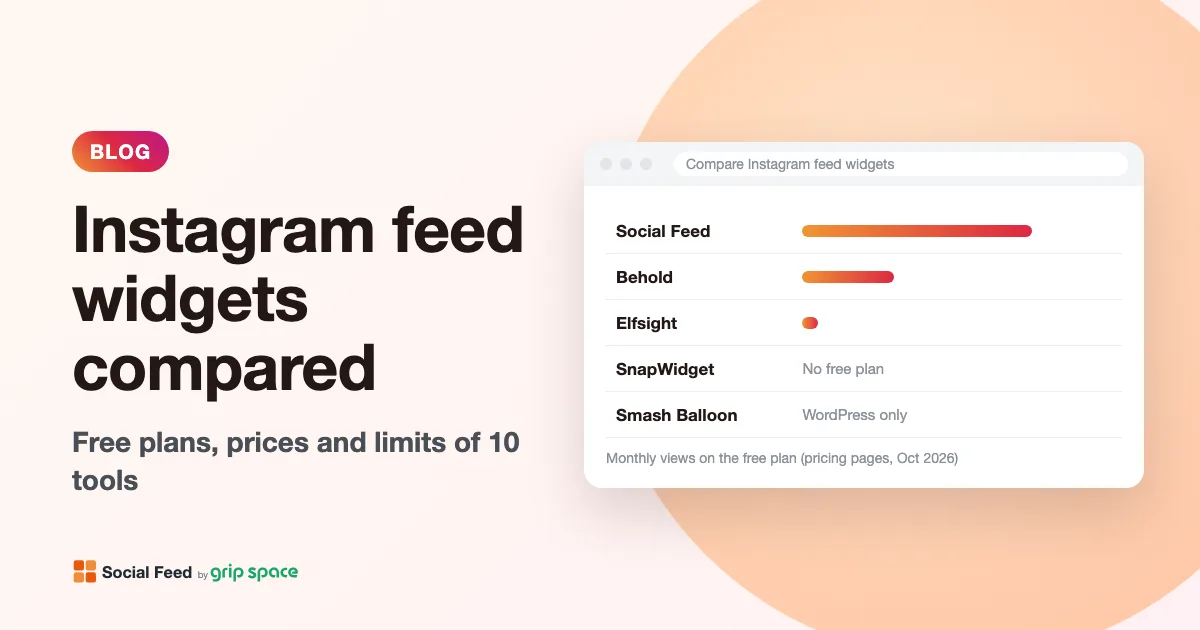
Instagram feed widgets compared: Social Feed, Behold, Elfsight, SnapWidget and Smash Balloon
Free plans, prices, view limits and update speed of five ways to embed your Instagram feed on a website, checked on each pricing page in October 2026.
Read the article →
The Instagram Basic Display API is gone: how to keep your Instagram feed on your website
Meta shut down the Instagram Basic Display API on December 4, 2024, and many website feeds stopped working. What changed, how to tell if your feed is affected, and how to fix it.
Read the article →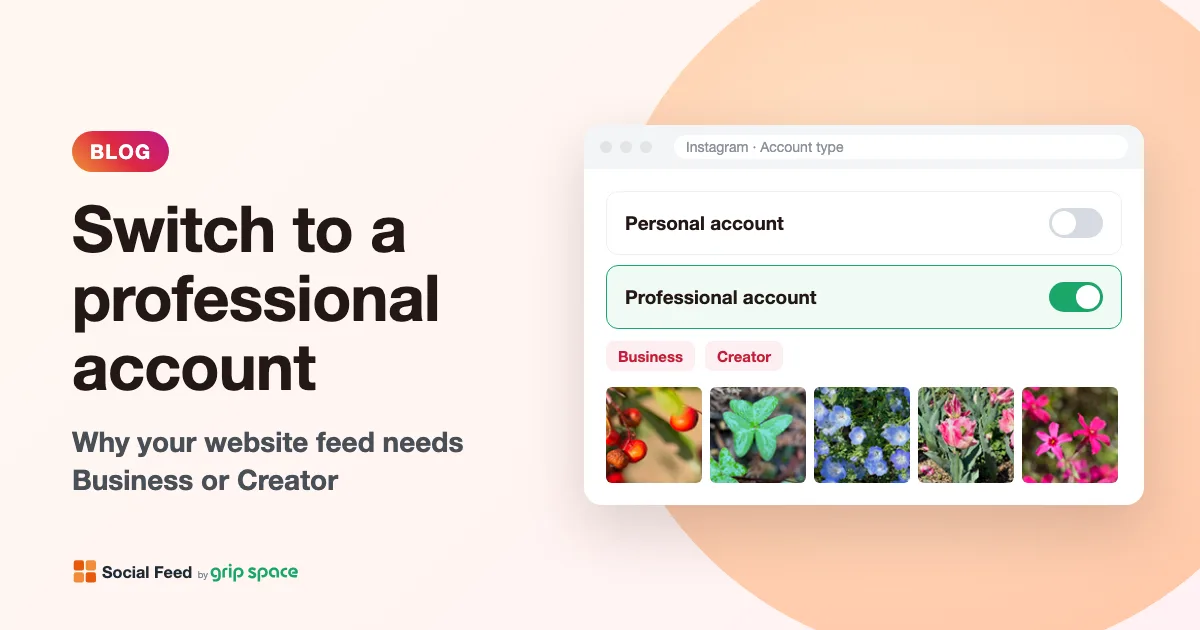
Why you need an Instagram professional account to show your feed on your website (and how to switch)
Since December 2024, website feeds can only show posts from Instagram professional accounts. What a professional account is, Business vs Creator, and how to switch for free.
Read the article →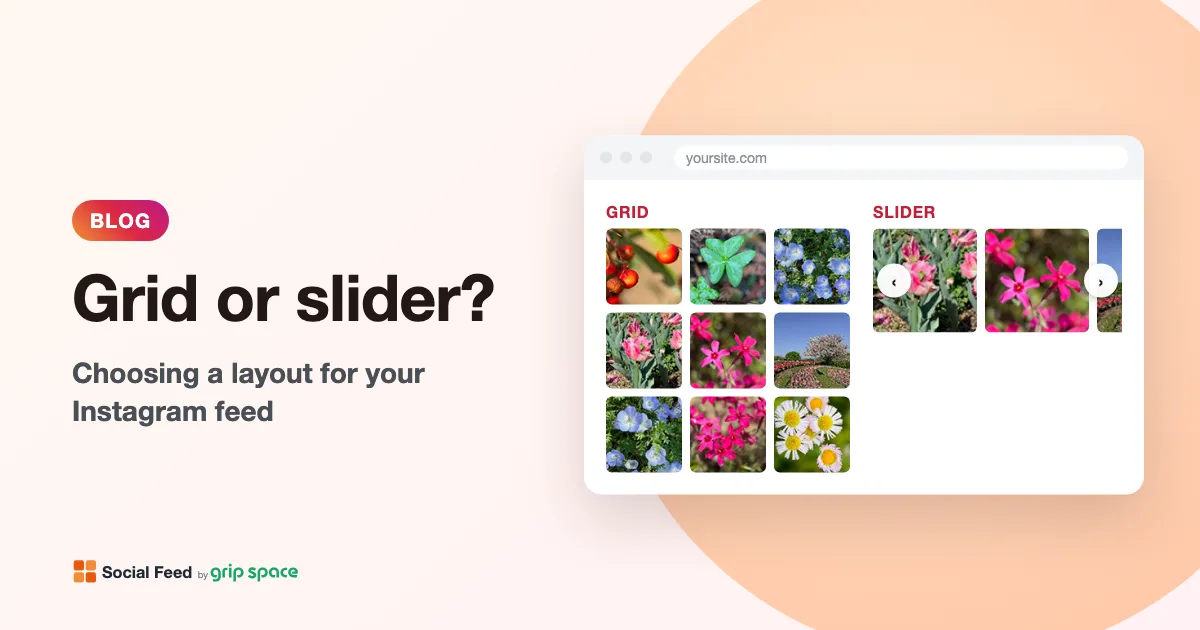
Grid or slider? Choosing a layout for the Instagram feed on your website
When to use a grid and when to use a slider for your Instagram feed, how many posts and columns to show, and how the layout behaves on phones.
Read the article →