
Guides
How to put your Instagram feed on your website, step by step. Every guide uses the same single embed code, so you do not need a plugin or an app.
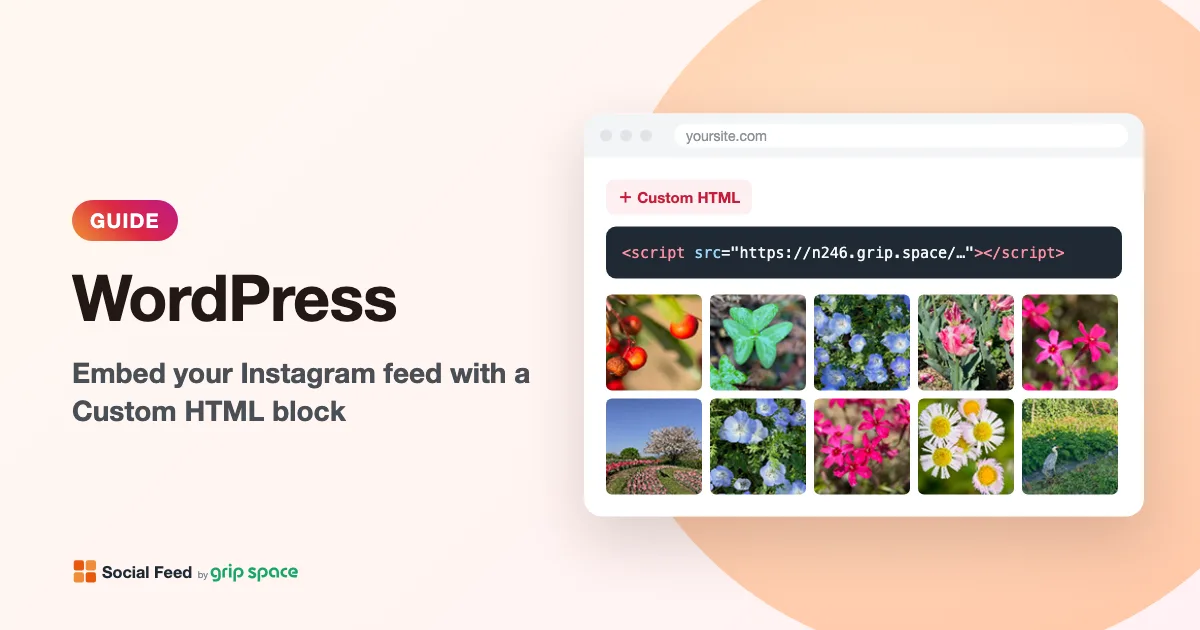 WWordPress
How to embed your Instagram feed in WordPress
Show your Instagram posts on a WordPress site: paste one embed code into a Custom HTML block in a page, a post, a widget area or a block theme template. No plugin needed.
Read the guide → SShopify
How to embed your Instagram feed in Shopify
Show your Instagram posts in your Shopify store: add a Custom Liquid section in the theme editor and paste one embed code. No app needed.
Read the guide → WWix
WWixHow to embed your Instagram feed in Wix
Show your Instagram posts on a Wix site: add an Embed HTML element in the Wix Editor and paste one embed code. No app needed.
Read the guide → SSquarespace
How to embed your Instagram feed in Squarespace
Show your Instagram posts on a Squarespace site: add a Code block and paste one embed code. Needs a plan that allows JavaScript in Code blocks (Core or higher).
Read the guide →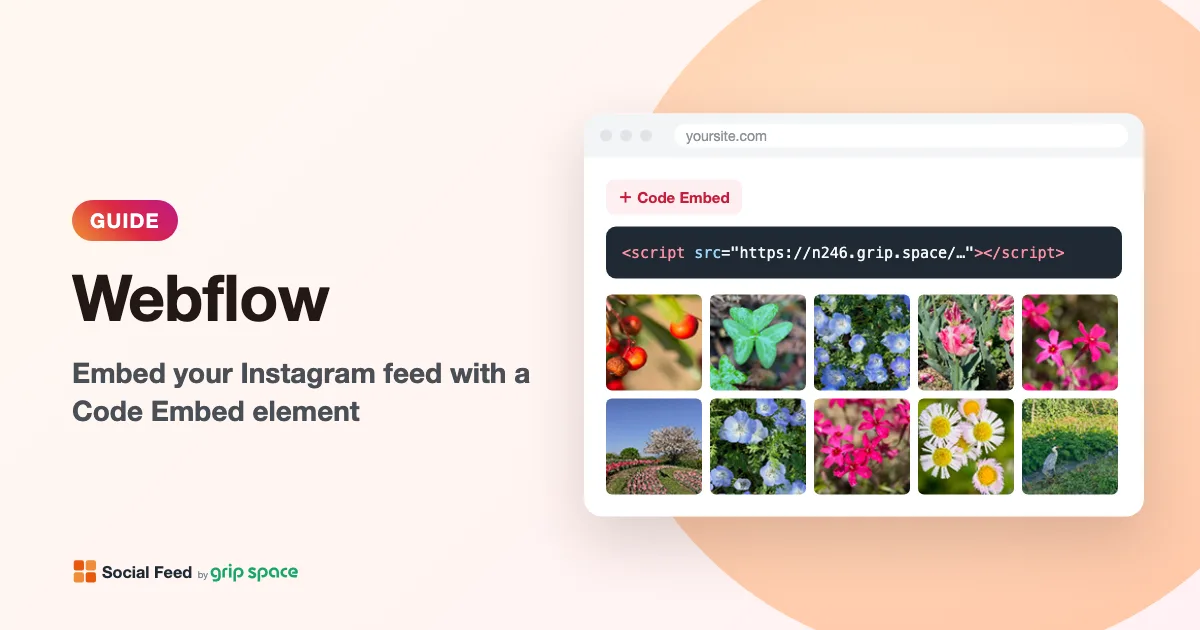 WWebflow
How to embed your Instagram feed in Webflow
Show your Instagram posts on a Webflow site: add a Code Embed element in the Designer and paste one embed code. Needs a paid Site plan or Workspace plan.
Read the guide →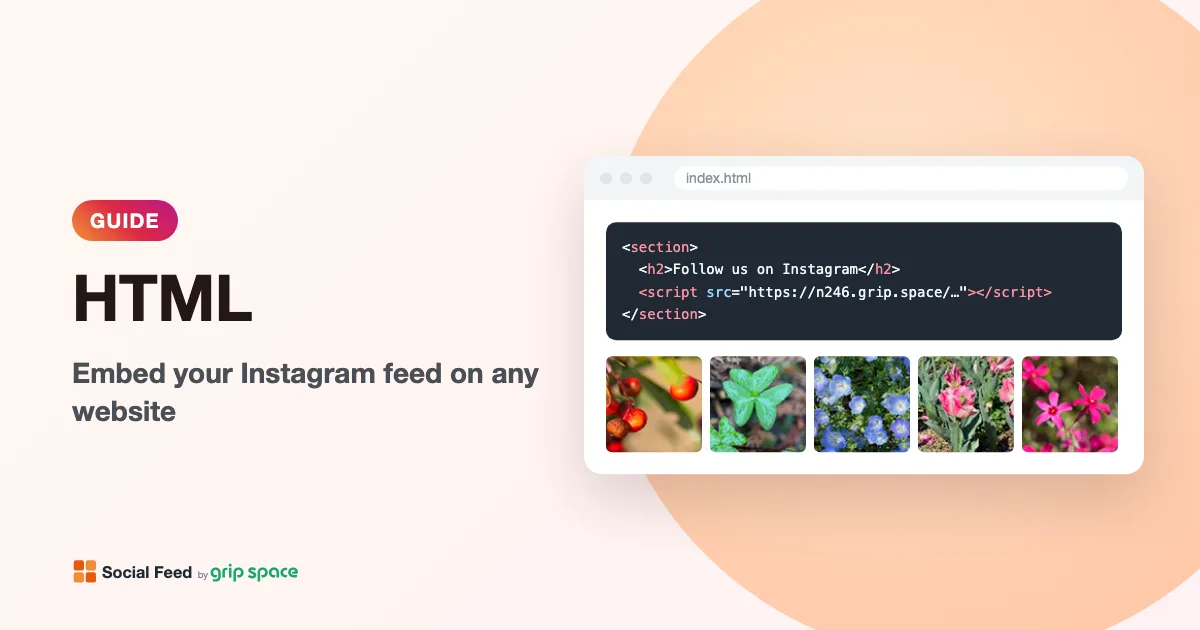 HHTML
HHTMLHow to embed your Instagram feed on any website (HTML)
Show your Instagram posts on any website you can edit: paste one embed code into your HTML where you want the feed. Works with static sites and most site builders.
Read the guide →