
Blog
Tips and news about showing your Instagram feed on your website. For step-by-step setup, see the guides.
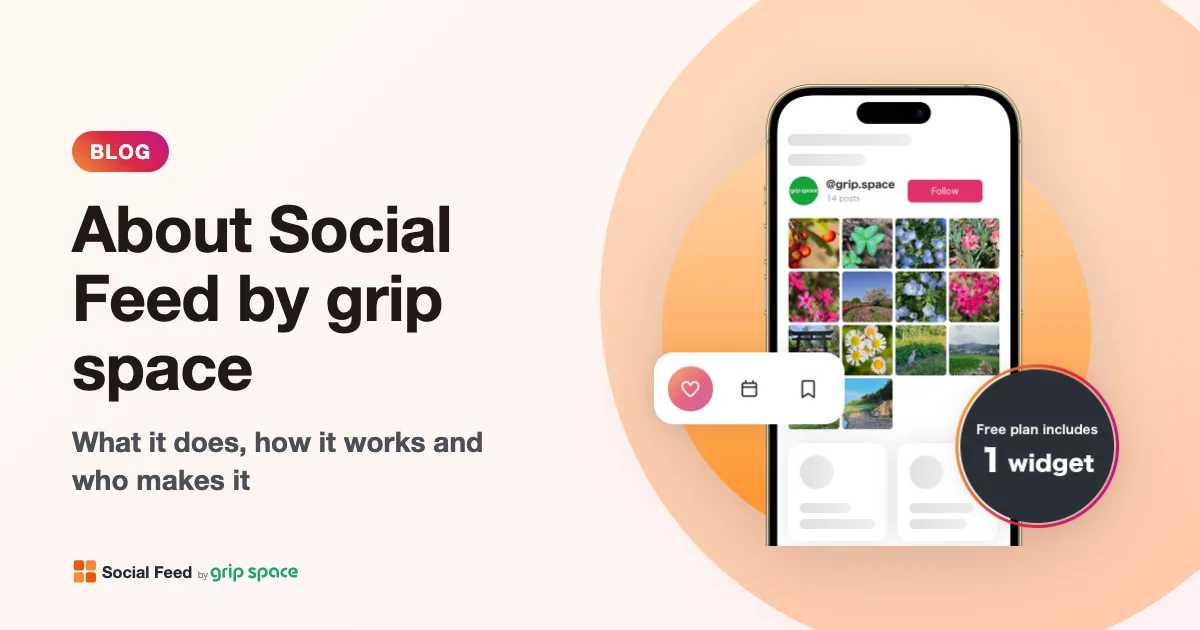
About Social Feed by grip space: what it does, how it works and who makes it
Social Feed by grip space shows your Instagram posts on your website with one embed code. What it does, how it connects to Instagram, its plans, and the company behind it.
Read the article →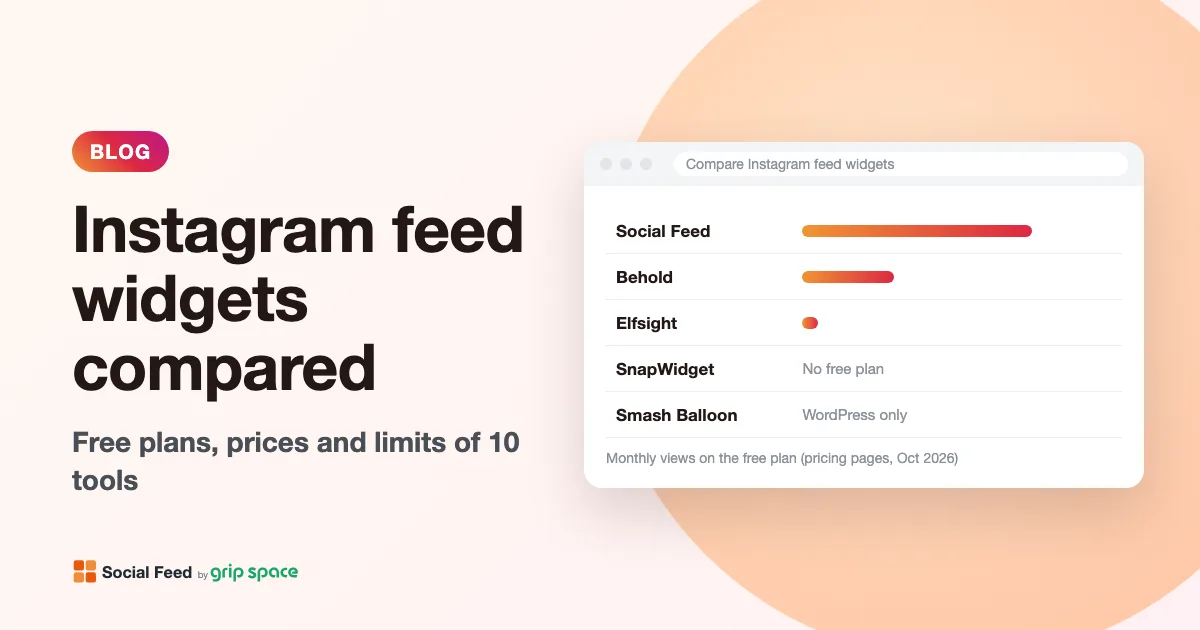
Instagram feed widgets compared: Social Feed, Behold, Elfsight, SnapWidget and Smash Balloon
Free plans, prices, view limits and update speed of five ways to embed your Instagram feed on a website, checked on each pricing page in October 2026.
Read the article →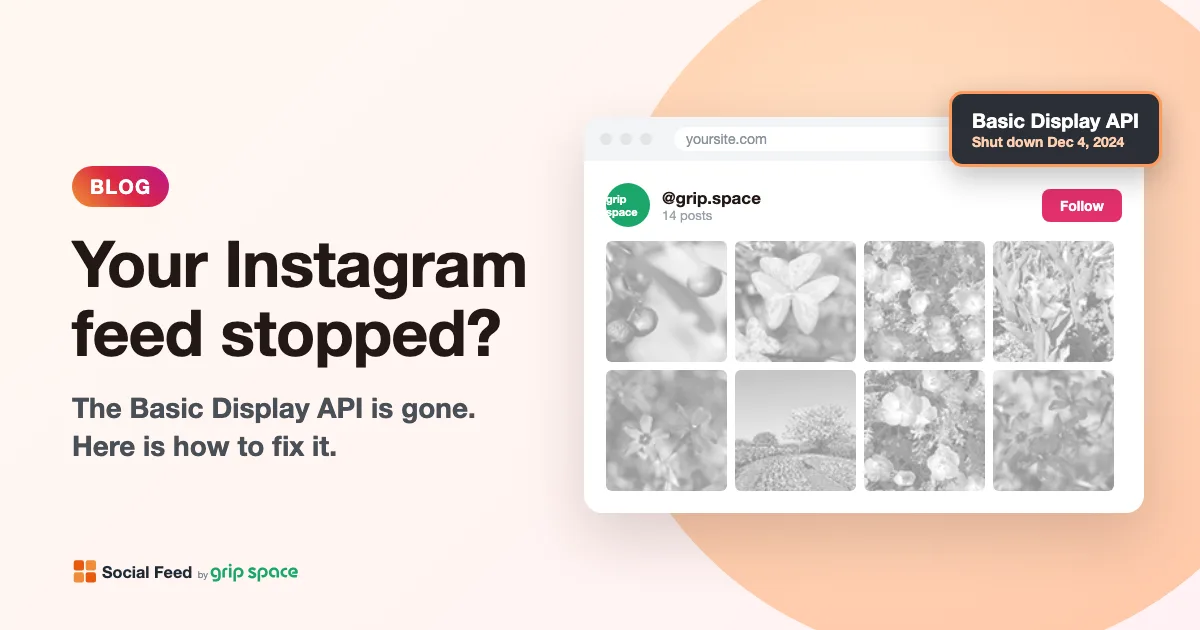
The Instagram Basic Display API is gone: how to keep your Instagram feed on your website
Meta shut down the Instagram Basic Display API on December 4, 2024, and many website feeds stopped working. What changed, how to tell if your feed is affected, and how to fix it.
Read the article →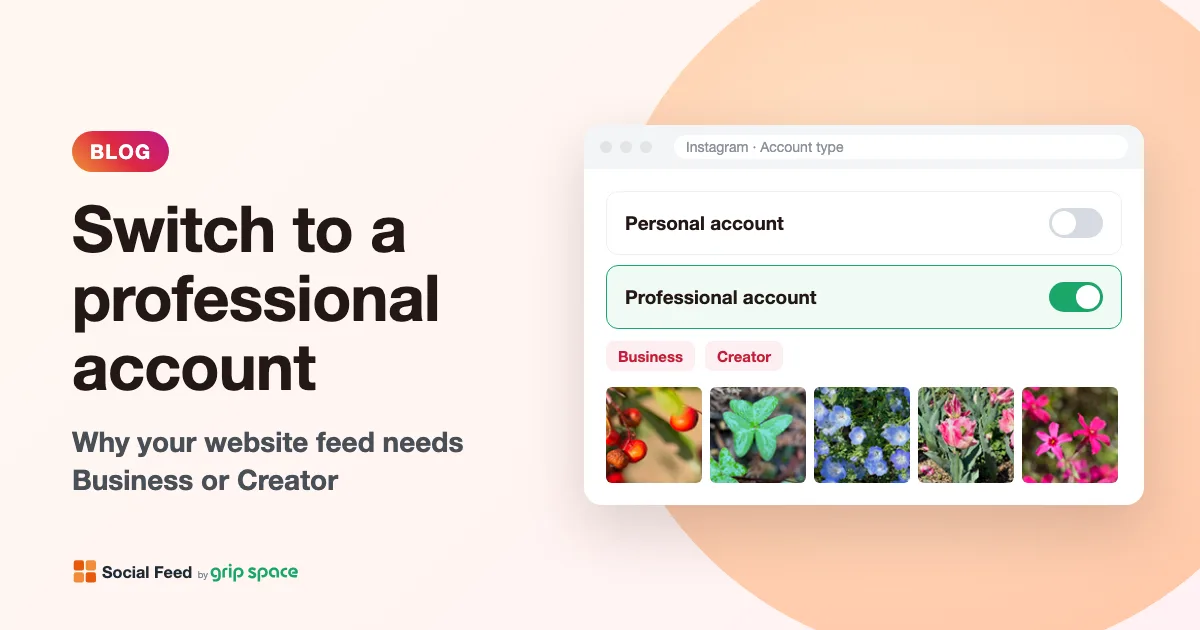
Why you need an Instagram professional account to show your feed on your website (and how to switch)
Since December 2024, website feeds can only show posts from Instagram professional accounts. What a professional account is, Business vs Creator, and how to switch for free.
Read the article →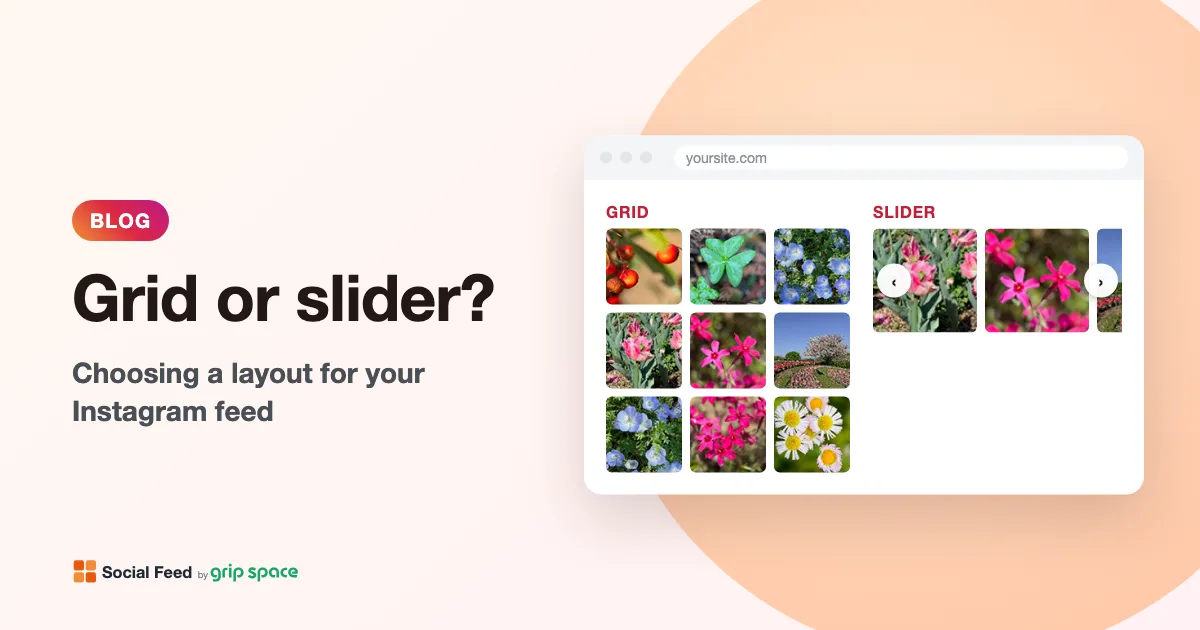
Grid or slider? Choosing a layout for the Instagram feed on your website
When to use a grid and when to use a slider for your Instagram feed, how many posts and columns to show, and how the layout behaves on phones.
Read the article →