
Instagram feed widgets compared: Social Feed, Behold, Elfsight, SnapWidget and Smash Balloon
There are many tools to show your Instagram feed on your website, and their free plans and limits differ a lot. We compared five of them using the information on their own pricing pages.
Updated October 12, 2026
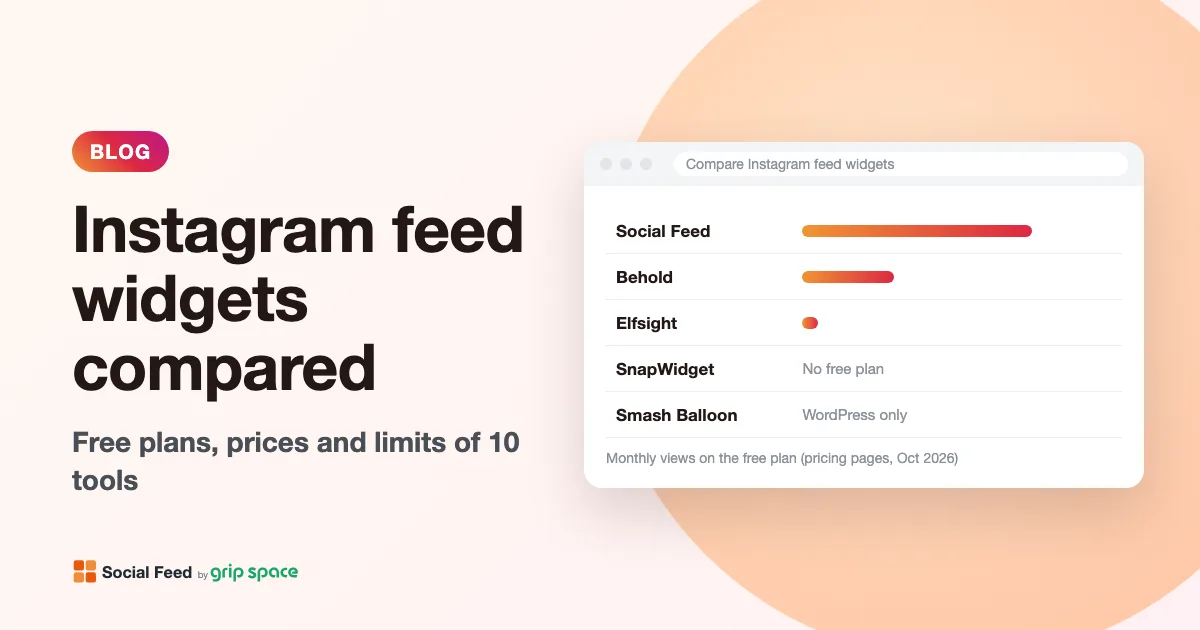
Free plans
| Feeds / widgets | Views a month | Posts per feed | Updates | Branding | |
|---|---|---|---|---|---|
| Social Feed by grip space | 1 | 3,000 | Up to 16 | Once a day | “Powered by Social Feed” link below the feed |
| Behold | 1 | 1,200 | 6 | Once a day | Behold logo on hover |
| Elfsight | 1 | 200 | Not stated | Not stated | Elfsight branding |
| SnapWidget | No free plan on the pricing page (14-day free trial of paid plans) | – | – | – | – |
| Smash Balloon | Free WordPress plugin (WordPress only) | No view limit stated | Not stated | Not stated | Not stated |
If you need a free feed for a small site, Social Feed by grip space has the highest monthly view limit of the hosted tools here. Elfsight’s free plan allows 200 views a month, which a site can use up quickly. Smash Balloon’s free plugin has no view limit stated, but it works only on WordPress, and the lightbox, captions and like counts are Pro features.
Entry paid plans
| Price | Feeds / widgets | Views a month | Posts per feed | Updates | |
|---|---|---|---|---|---|
| Social Feed by grip space (Light) | $8 a month, or $80 a year | 3 | 30,000 | Up to 30 | Right away |
| Behold (Starter) | $10 a month | 3 | 15,000 | 50 | Once an hour |
| Elfsight (Basic) | $5 a month billed yearly ($6 listed monthly) | 3 | 5,000 | Not stated | Not stated |
| SnapWidget (Lite) | $8 a month | 1 Pro widget | Unlimited | Not stated | Every 5 minutes |
| Smash Balloon (Basic) | $49 for the first year, renews at $98 a year | 1 website | No view limit stated | Not stated | Not stated |
What to look at when you choose
- Views a month. Hosted tools count how many times your feed is shown. Estimate your monthly page views for the pages with the feed, and choose a plan with room to spare. Check what happens when you go over: Elfsight says going over the limit temporarily deactivates your widget. Behold’s paid plans (with “surge protection”) and Social Feed by grip space pause the feed only after you go over two months in a row.
- How quickly new posts appear. On free plans, new posts usually appear once a day. If you post often and want new posts on your site right away, look at paid plans.
- Your platform. Smash Balloon is a WordPress plugin and does not work on other platforms. The hosted tools (Social Feed, Behold, Elfsight, SnapWidget) work on any site where you can paste code, such as WordPress, Shopify, Wix, Squarespace and Webflow.
- The features you need. If you need hashtag feeds, hiding or reordering posts, or feeds for email, compare the higher plans of Behold, Elfsight, SnapWidget or Smash Balloon. Social Feed by grip space does not offer hashtag feeds or hiding individual posts; it focuses on showing your own account’s posts as a grid or a slider, with a lightbox and a follow button.
- Renewal price. Some tools show a lower price for the first year. Check the renewal price as well.
Which one fits you?
- A free feed on a small or medium site: Social Feed by grip space (3,000 views a month and up to 16 posts for free).
- New posts right away for a low price: Social Feed by grip space Light ($8 a month, updates right away) or SnapWidget Lite ($8 a month, every 5 minutes, unlimited views, 1 widget).
- Many feeds and advanced curation: Behold’s higher plans, which include more feeds and pinning, hiding and reordering posts on the Business plan.
- Only WordPress, managed inside WordPress: Smash Balloon.
Sources
Pricing pages checked on October 12, 2026: Behold, Elfsight, SnapWidget, Smash Balloon (free version: WordPress.org). Social Feed by grip space: pricing.
Get your embed code in a few minutes. The Free plan needs no credit card.
Sign up freeMore articles
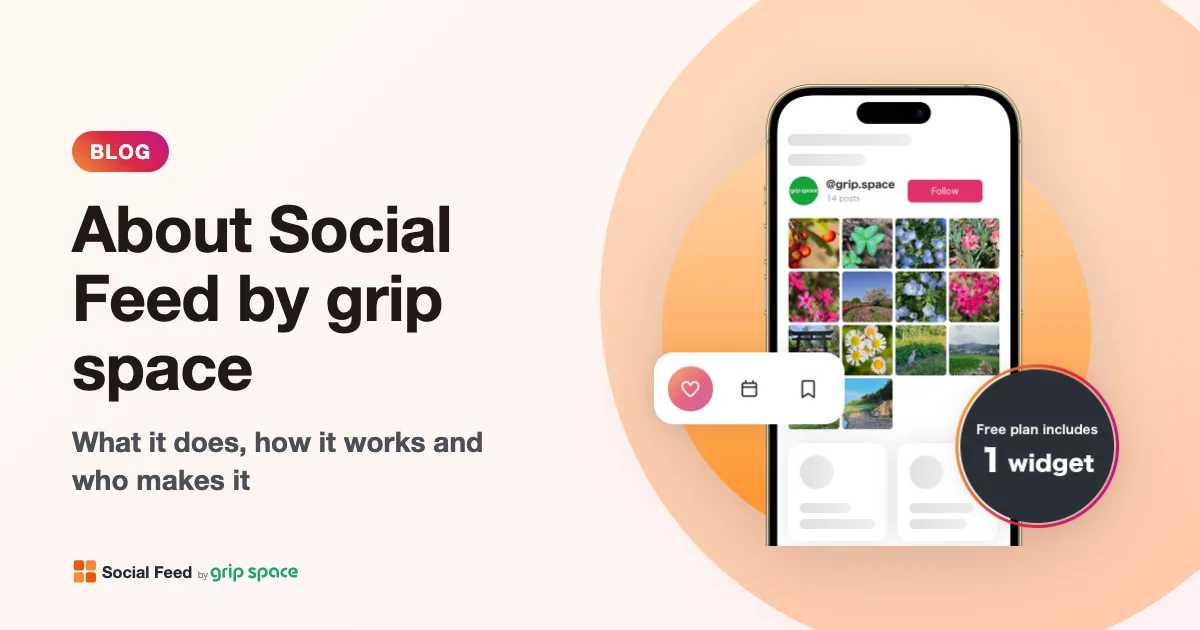
About Social Feed by grip space: what it does, how it works and who makes it
Social Feed by grip space shows your Instagram posts on your website with one embed code. What it does, how it connects to Instagram, its plans, and the company behind it.
Read the article →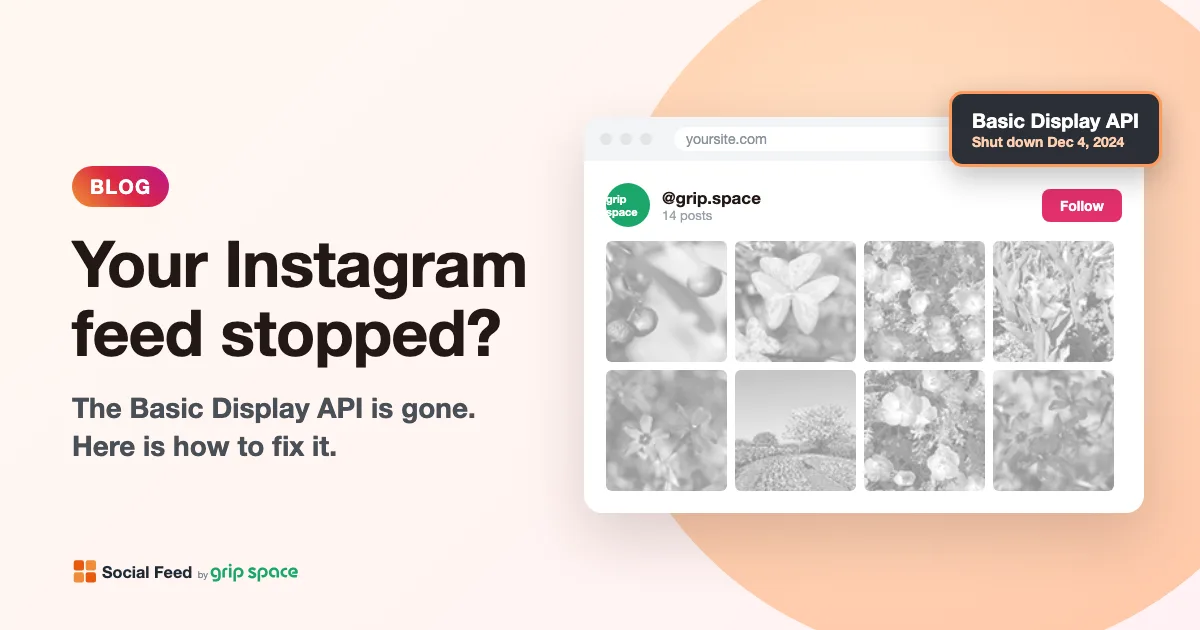
The Instagram Basic Display API is gone: how to keep your Instagram feed on your website
Meta shut down the Instagram Basic Display API on December 4, 2024, and many website feeds stopped working. What changed, how to tell if your feed is affected, and how to fix it.
Read the article →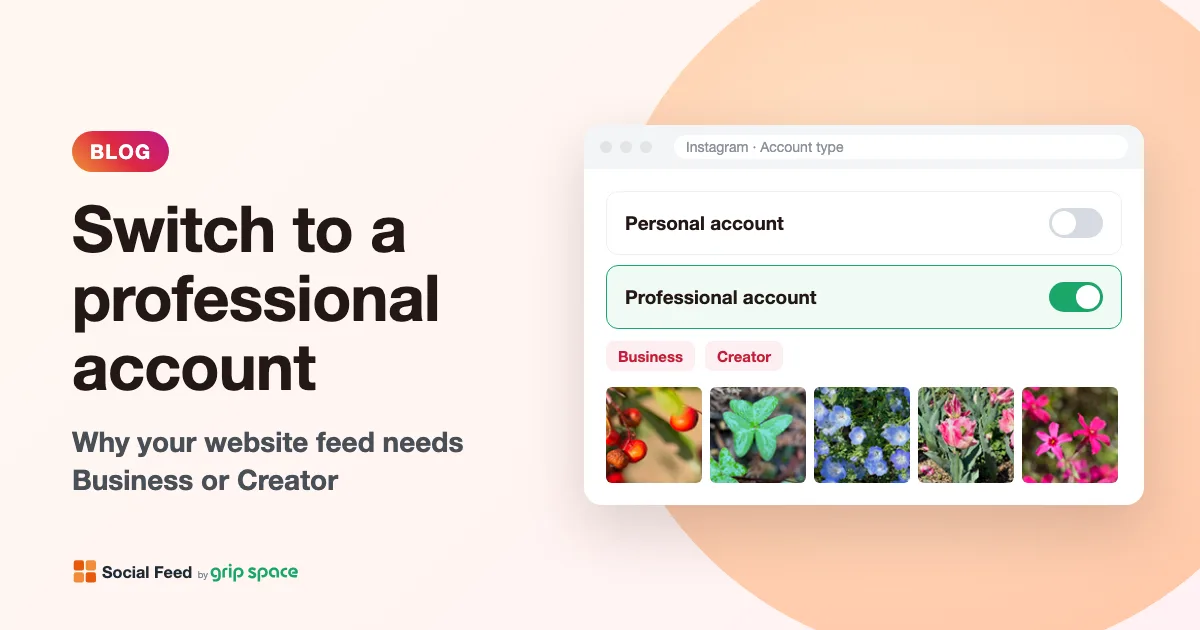
Why you need an Instagram professional account to show your feed on your website (and how to switch)
Since December 2024, website feeds can only show posts from Instagram professional accounts. What a professional account is, Business vs Creator, and how to switch for free.
Read the article →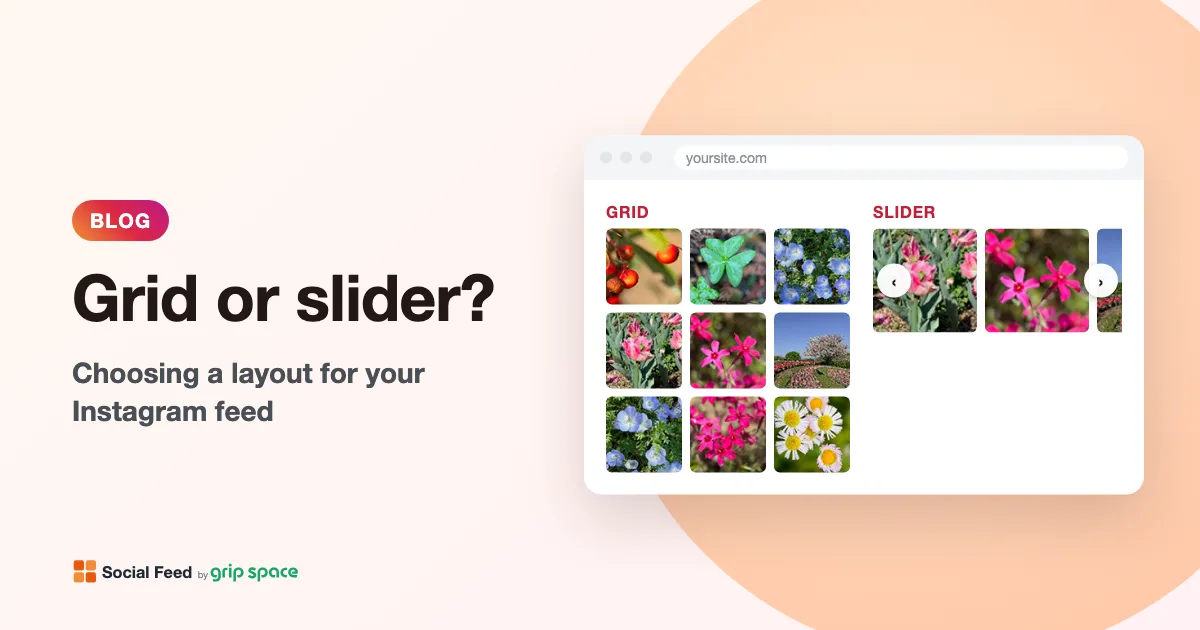
Grid or slider? Choosing a layout for the Instagram feed on your website
When to use a grid and when to use a slider for your Instagram feed, how many posts and columns to show, and how the layout behaves on phones.
Read the article →