
The Instagram Basic Display API is gone: how to keep your Instagram feed on your website
If the Instagram feed on your website stopped updating or disappeared, the shutdown of the Instagram Basic Display API is the most likely reason. Here is what changed and what you need to do.
Updated October 12, 2026
What happened
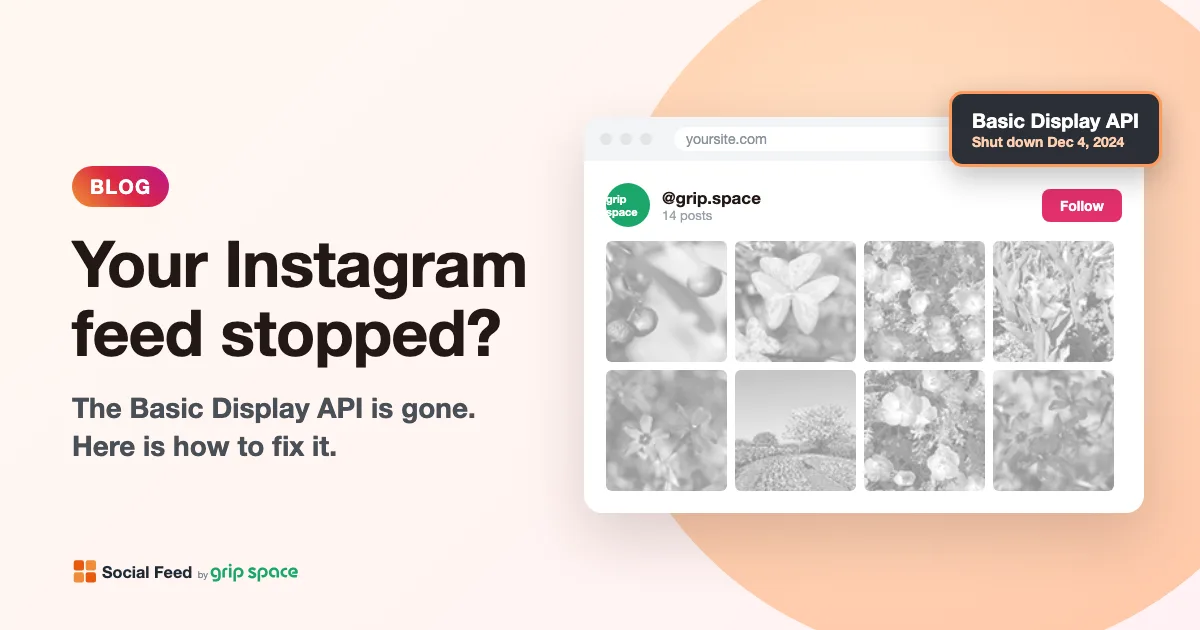
On September 4, 2024, Meta announced that the Instagram Basic Display API would be retired. Since December 4, 2024, every request to it returns an error. Meta asks developers to move to the Instagram API instead (Meta for Developers).
The Basic Display API was what many website feed plugins and widgets used to read your posts. It worked with personal Instagram accounts, which made it easy to set up. When it was shut down, every feed connected through it lost access to Instagram.
What replaced it
Apps now read posts through the Instagram API. It works only with professional accounts (Business or Creator). In practice, this means a personal account can no longer be connected to a website feed. Switching to a professional account is free and takes a minute in the Instagram app (see why you need a professional account, and how to switch).
Is your feed affected?
Your feed was probably connected through the Basic Display API if:
- The feed still shows posts from before December 2024, and your newer posts never appear.
- The feed area is empty, or shows an error or “please reconnect” message.
- The plugin or service you use says it needs a “personal” account, or mentions “Basic Display” in its settings.
If your feed updates normally after December 2024, it already uses the Instagram API and you do not need to do anything.
How to fix it
- Switch your Instagram account to a professional account (Business or Creator), if it is not one already. Your posts and followers stay as they are.
- Use a feed tool that connects through the Instagram API. Update the plugin you use if it has a newer version, or move to a service that supports the Instagram API.
- Reconnect your account and replace the old code. Remove the old feed code or plugin so that the broken feed does not stay on the page.
How Social Feed by grip space connects
Social Feed by grip space connects through the official Instagram API. You sign in with Instagram and allow access to your profile and posts; a Facebook Page is not needed. The connection is renewed automatically in the background, so you do not need to reconnect every few weeks. You paste one embed code on your site, and new posts appear without changing the code. See the step-by-step guides for WordPress and Shopify.
Get your embed code in a few minutes. The Free plan needs no credit card.
Sign up freeMore articles
About Social Feed by grip space: what it does, how it works and who makes it
Social Feed by grip space shows your Instagram posts on your website with one embed code. What it does, how it connects to Instagram, its plans, and the company behind it.
Read the article →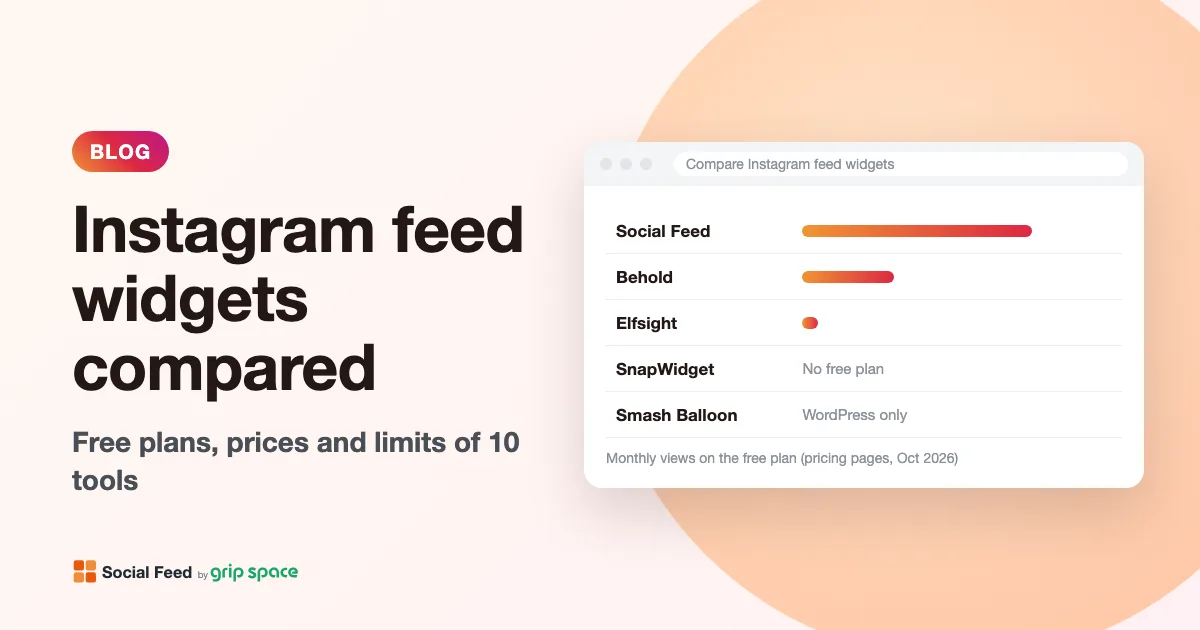
Instagram feed widgets compared: Social Feed, Behold, Elfsight, SnapWidget and Smash Balloon
Free plans, prices, view limits and update speed of five ways to embed your Instagram feed on a website, checked on each pricing page in October 2026.
Read the article →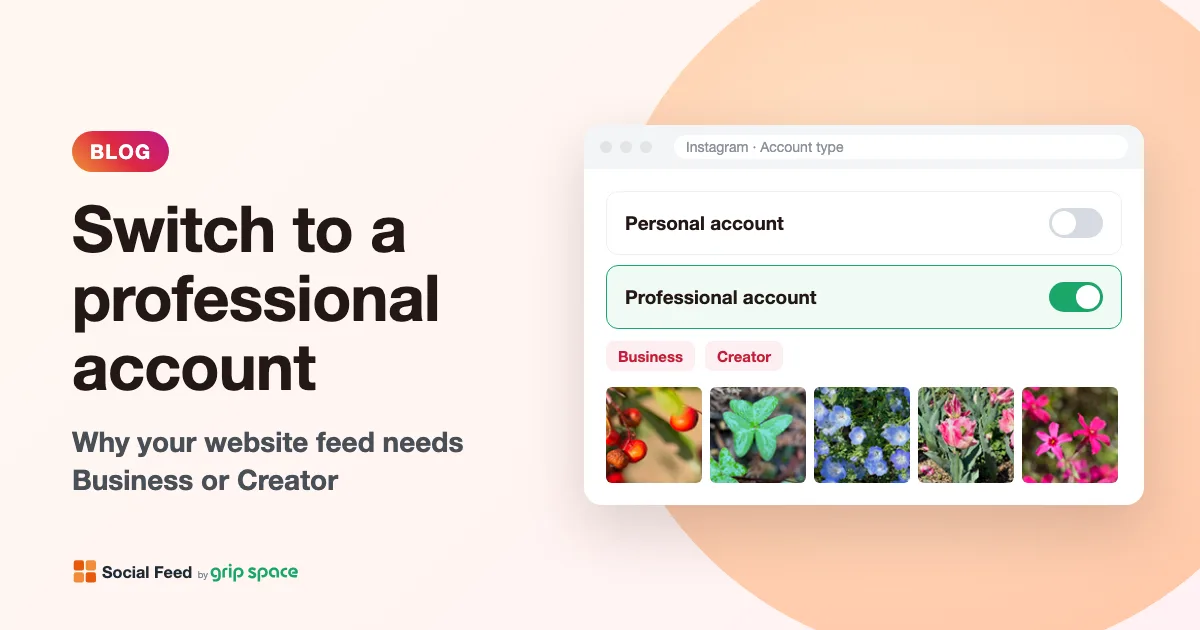
Why you need an Instagram professional account to show your feed on your website (and how to switch)
Since December 2024, website feeds can only show posts from Instagram professional accounts. What a professional account is, Business vs Creator, and how to switch for free.
Read the article →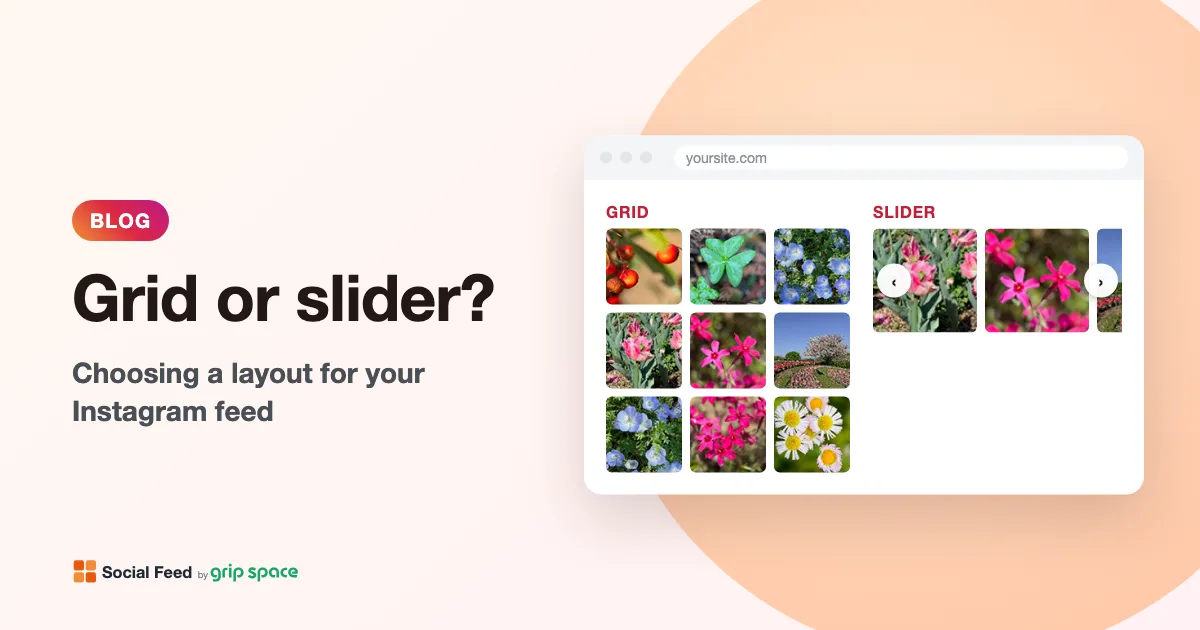
Grid or slider? Choosing a layout for the Instagram feed on your website
When to use a grid and when to use a slider for your Instagram feed, how many posts and columns to show, and how the layout behaves on phones.
Read the article →