
Elfsight Instagram Feed alternative: a simpler, lower-cost option
Elfsight’s Instagram Feed is a popular hosted widget with a long feature list: hashtag feeds, mixed sources, templates, color themes and custom CSS on every plan. If you only want your own Instagram posts on your website, though, you may be paying for features you never use, or running into a free plan that allows 200 views a month. This article compares Elfsight with Social Feed by grip space on price, limits, update speed and features, says plainly where Elfsight is the better tool, and walks through switching.
Updated October 12, 2026
The short answer
- You want hashtag feeds, location feeds, or several accounts mixed into one widget: stay with Elfsight. It lists these on every plan, including Free. Social Feed by grip space shows only the one account you connect.
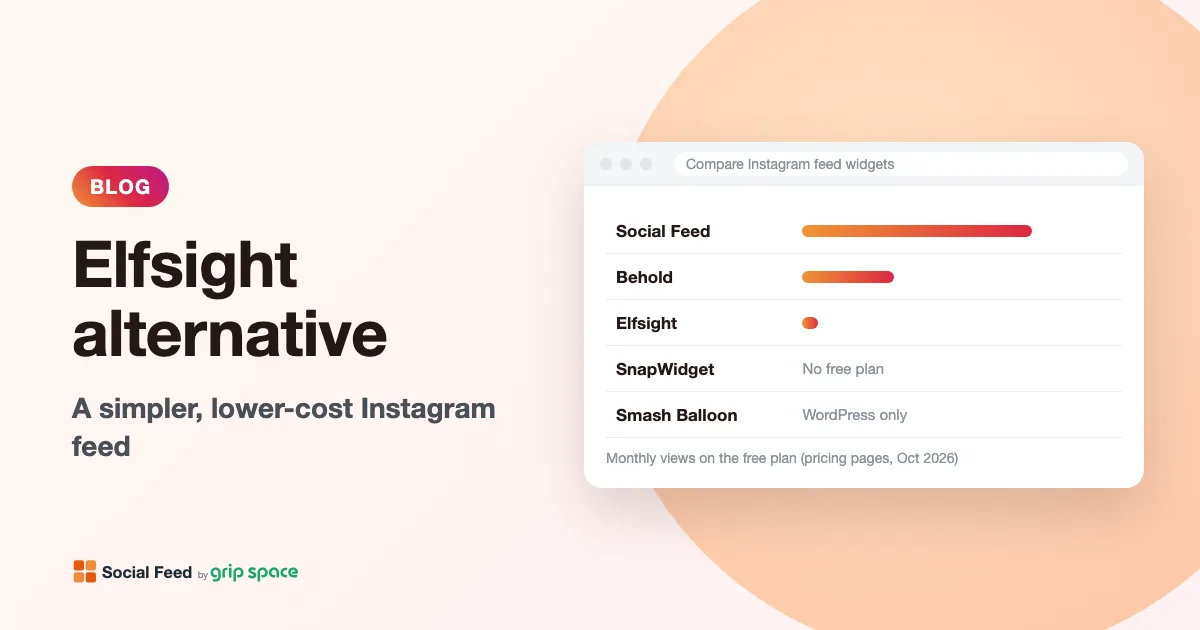
- You want a feed of your own account on a site with real traffic, without paying: Elfsight’s Free plan allows 200 views a month. Our Free plan allows 3,000, with up to 16 posts and a lightbox.
- You want new posts to show up quickly: Elfsight’s product page says feed content “refreshes automatically every 48 hours.” On our paid plans, new posts appear right away; on Free, once a day.
- You need many widgets with fairly high traffic on a tight budget: Elfsight’s Pro and Premium plans can cost less per year than our Standard plan for the same number of widgets. The plan tables below show where each tool is cheaper.
Two hosted widgets, two different scopes
Elfsight and Social Feed by grip space work in a similar way. You build the feed in the tool’s online editor, copy a piece of code, and paste it into your site. Neither is a WordPress plugin, so both work on WordPress, Shopify, Wix, Squarespace, Webflow and plain HTML sites. Elfsight’s product page describes its install as: pick a template, customize it, copy the installation code and paste it into a Custom HTML block; later editor changes apply automatically. Ours works the same way: you change settings in the dashboard and every page with the code shows the new version.
The difference is scope. Elfsight’s Instagram Feed is one of many widgets in a large catalog, and the Instagram widget itself is built to pull in content from several places: a username, a hashtag or a location, up to five sources per widget. Its pricing counts sources, widgets, views, projects and collaborators.
Social Feed by grip space does one job: it shows posts from one Instagram professional account per widget, with a grid or slider, a lightbox and filters. Pricing counts only widgets, posts per widget and monthly views. That narrower scope is why our plans can include more views at each price point, and also why we cannot replace Elfsight if you rely on hashtag or mixed-source feeds.
Plans side by side
Elfsight shows its paid prices per month, billed yearly, next to a struck-through higher price. We have converted those to yearly totals (monthly price × 12) so they can be compared with our yearly prices. Our plans can also be paid monthly; Elfsight’s pricing page does not show a monthly-billing price.
| Plan | Price | Widgets | Views a month | Other limits |
|---|---|---|---|---|
| Elfsight Free | $0 | 1 | 200 | 5 sources; Elfsight branding |
| Social Feed Free | $0 | 1 | 3,000 | Up to 16 posts; updates once a day; “Powered by Social Feed” link |
| Elfsight Basic | $5 a month billed yearly ($60 a year) | 3 | 5,000 | 15 sources |
| Social Feed Light | $8 a month, or $80 a year | 3 | 30,000 | Up to 30 posts per widget |
| Elfsight Pro | $10 a month billed yearly ($120 a year) | 9 | 50,000 | 45 sources, 3 projects, 1 collaborator |
| Elfsight Premium | $20 a month billed yearly ($240 a year) | 21 | 150,000 | 105 sources, 9 projects, 3 collaborators, live chat |
| Social Feed Standard | $24 a month, or $240 a year | Unlimited | Unlimited | Up to 50 posts per widget |
| Elfsight Enterprise | Four tiers, $30 to $80 a month billed yearly | 50 to 400 | 300,000 to unlimited | Account manager |
Elfsight’s page also states that every plan, Free included, allows unlimited websites, custom CSS support and a free installation service, and that paid plans are “100% ad free.” It lists a full refund “for any reason within 14 days.”
Where each one costs less
Price per year only tells half the story; what matters is whether a plan covers your traffic. Here is a fair reading of the table above.
- Up to 3,000 views a month, one widget: our Free plan covers this at $0. On Elfsight you would need Basic ($60 a year), because Free stops at 200.
- Up to 5,000 views a month, up to 3 widgets: Elfsight Basic ($60 a year) is cheaper than our Light plan ($80 a year).
- 5,000 to 30,000 views a month, up to 3 widgets: our Light plan ($80 a year) fits. On Elfsight, Pro ($120 a year) is the first plan above 5,000 views.
- 30,000 to 50,000 views a month, or 4 to 9 widgets: Elfsight Pro ($120 a year) is cheaper than our Standard plan ($240 a year).
- 50,000 to 150,000 views a month, or up to 21 widgets: Elfsight Premium and our Standard plan cost the same, $240 a year. Standard has no view or widget limit; Premium adds hashtag and mixed sources, collaborators and live chat support.
- More than 150,000 views a month: our Standard plan stays at $240 a year with unlimited views. Elfsight moves to its Enterprise tiers, from $360 a year.
If your numbers fall in a band where Elfsight is cheaper and its features suit you, Elfsight is a reasonable choice. Our plans pay off mainly for sites that show their own account to a moderate or large audience.
Feature comparison
| Elfsight Instagram Feed | Social Feed by grip space | |
|---|---|---|
| Content sources | Username, hashtag or location; up to 5 sources mixed in one widget | One Instagram professional account per widget |
| Account types | Product page: public personal accounts work without login; private profiles need a Business or Creator connection | Business or Creator account, connected through the official Instagram API |
| Tagged and mentioned posts | Listed as “Soon” on the pricing page | Not available |
| Layouts | Slider or grid, 7 templates, multiple layout choices | Grid or slider |
| Look and feel | Color themes, “50+ customization options,” custom CSS | Columns, spacing, max width, font size, text color for light or dark backgrounds, follow button color |
| Popup | “Infinite popup post stream,” video playback, comments and likes, share button | Lightbox with caption and/or like count, videos, all images of a carousel |
| Filtering | Show and hide posts by words, hashtags or post URL | Reels (all, exclude, only), carousels, videos, last 30/90/365 days, caption keywords |
| Update speed | “Every 48 hours” (product page) | Once a day on Free; right away on paid plans |
| Over the view limit | “Exceeding this monthly limit will temporarily deactivate your app.” | Pauses only after two months in a row over the limit; emails at 80% and 100% |
| Languages | 33 languages | English and Japanese, chosen from the page language |
| Usage stats | Not stated on the pages we checked | View count and 30-day chart per widget |
| Other widgets | Large catalog of other website widgets | Instagram only |
What Elfsight does that we don’t
If you depend on any of these, Elfsight will serve you better, and switching would mean giving them up.
- Hashtag and location feeds. Elfsight can show public posts by hashtag or location, on every plan. We only show posts from the account you connect, and we have no plans to pretend otherwise.
- Mixing sources. Combine up to five sources in one widget, for example your account plus a campaign hashtag. Each of our widgets shows one account.
- Hiding a single post. Elfsight’s filters can hide posts by post URL, which effectively lets you remove one specific post. Our filters work by caption keywords, date range and post type; you cannot pick out one post by its link.
- More visual options. Seven templates, color themes, many layout choices and custom CSS. Our widget has a grid and a slider with a focused set of settings.
- Social features in the popup. Comments, a share button and an endless stream of posts in the popup. Our lightbox shows the caption and like count, not comments or sharing.
- More interface languages. 33 languages, against our English and Japanese.
- Team features and help. Projects and collaborators on higher plans, a free installation service on every plan, live chat on Premium and an account manager on Enterprise.
- One account for many widget types. If you also use other Elfsight widgets, keeping everything in one dashboard has real value.
What Social Feed by grip space does differently
- A free plan you can actually leave running. 3,000 views a month instead of 200. For a small business site with a feed on one page, that is often enough to stay on Free indefinitely. See what the free plan includes.
- Faster updates on paid plans. New posts appear right away on Light and Standard, compared with the 48-hour refresh on Elfsight’s product page. Handy for menus, events, launches and anything time-sensitive.
- A gentler limit. One busy month does not stop the feed. The widget pauses only if you go over two months in a row, and we email you at 80% and 100% of the limit first. More on that in what happens at the monthly view limit.
- Filters designed for your own posts. Show only Reels, leave Reels out, hide carousels, show only the last 30, 90 or 365 days, or show only posts whose captions contain words like “menu” or “#newarrivals.” See filtering by keyword.
- Accessibility built in. Each image gets alt text: the alt text you wrote on Instagram if there is one, otherwise the start of the caption, otherwise “Instagram post by @username.” Tiles can be reached with the Tab key and opened with Enter or Space; the lightbox is a dialog that closes with Escape and returns focus to the tile. More in accessible social media embeds.
- Light on your page. The widget sets no cookies and uses no local storage. It is drawn directly in your page, not in an iframe, and in a grid only the first row loads immediately; the rest load as visitors scroll.
- Monthly billing. Pay $8 or $24 a month with no yearly commitment, or pay yearly for a lower total.
- View counts per widget. The dashboard shows how often each widget was viewed, which also tells you which pages actually get seen.
What a 200-view limit means in practice
On our widget, a view is counted each time a page with the widget loads, not once per visitor. Elfsight’s pricing page does not define a view, so check its help pages, but any per-load count makes placement matter as much as traffic.
- Feed on the homepage only. If the homepage gets 10 visits a day, that is about 300 views a month: over Elfsight’s Free limit, well inside ours.
- Feed in a site-wide footer. Every page view counts. A site with 2,000 page views a month uses 2,000 views. Consider putting the feed on fewer pages, as described in adding a feed to your footer.
- Several widgets. On our plans, the views of all your widgets add up toward one monthly limit for your account.
To estimate, open your analytics, add up last month’s page views for every page that will show the feed, and add some room for busy months. That number tells you which plan you need on either tool.
How to switch from Elfsight
Switching is mostly copy and paste. Nothing needs to be exported, because both tools read your posts from Instagram.
- Check what your Elfsight widget uses. Open it in the Elfsight editor and look at its sources. If it shows a hashtag, a location or several accounts, our widget cannot reproduce it; stop here or keep that one widget on Elfsight.
- Make sure your Instagram account is a professional account. We connect through the official Instagram API, which needs a Business or Creator account. Switching is free and keeps your posts and followers; see Business vs Creator accounts.
- Create your widget. Sign up, click “+ Connect Instagram account”, log in to Instagram, and open “Settings & preview”.
- Match the design. Use the mapping table below to set layout, columns, spacing and click behavior. The preview updates as you change settings.
- Copy the code from “Add the embed code to your website.”
- Replace the Elfsight code on your site. Find the Custom HTML block, embed element or theme file that holds the Elfsight code, remove it, and paste ours in the same place. If the Elfsight code was added in two parts (a platform script in the site header and a container in the page), remove both so the old script no longer loads.
- Check the published page on a computer and a phone. Many site editors do not run scripts while you edit, so the feed may only appear on the live page; see feed not showing in the editor.
- Cancel or downgrade Elfsight once every page uses the new code. Elfsight says you can cancel “at any time on your own in your Elfsight account,” and lists a 14-day full refund.
Platform-specific steps are in our guides for WordPress, Shopify, Wix, Squarespace, Webflow and plain HTML.
Recreating your Elfsight design
| If your Elfsight widget uses… | Set this in Social Feed by grip space | Notes |
|---|---|---|
| Grid template | Layout: Grid | Set columns and number of posts. Rows follow from the post count. |
| Slider or carousel template | Layout: Slider | One row that visitors swipe or move with arrow buttons |
| Header with follow button | Show account info | Profile picture, username, post count, and a Follow button with your own label and color |
| Popup on click | On click: Open lightbox | Choose caption, like count, and first image or all images of a carousel |
| Links straight to Instagram | On click: Open Instagram | Or “Do nothing” for a purely visual gallery |
| Dark color theme | Text color: Light (for dark backgrounds) | Set the dark background on the page section that holds the widget |
| Filter to hide posts by word or hashtag | Caption keywords: Exclude matching posts | Separate words with commas; a post matches if it contains any of them |
| Filter to hide posts by URL | No equivalent | Use a caption keyword or date range instead, if one fits |
| Custom CSS | No equivalent | Use the built-in settings; widths and spacing are set in pixels |
For help deciding on layout, see grid or slider, and for click behavior, lightbox or link to Instagram.
If the new feed does not look right
- Nothing appears: check that the widget is set to Published in the dashboard, and that your site builder kept the script tag (some strip scripts from text blocks). Our troubleshooting checklist covers more causes.
- The feed appears twice: the old Elfsight code is probably still on the page, or the new code was pasted twice. See feed showing twice.
- Tiles look tiny on phones: the widget reduces columns automatically when tiles would be narrower than about 100 pixels, based on the space it actually has. If it still feels cramped, lower the column count or use the slider.
- The feed sits to one side: if you set a max width, the widget centers itself when it is narrower than its container. If it still looks off, check the alignment of the block it sits in.
- Posts are missing: check the filters. A date range or keyword filter left over from testing is the usual reason. Also note that on Free, new posts appear once a day.
Privacy notes
Neither Elfsight page we checked mentions GDPR or cookies, so read Elfsight’s privacy policy if that matters for your site. For our side: the widget sets no cookies and uses no local storage. The script loads from our service, and images and videos load directly from Instagram’s servers, so visitors’ browsers do connect to Instagram when the feed is shown. Mention this in your privacy policy, and if your consent banner blocks third-party content until visitors agree, treat the feed like any other embed. This is general information, not legal advice.
Who should stay with Elfsight
- You show hashtag or location content, or several accounts in one feed.
- You rely on hiding specific posts by URL, or on custom CSS for a pixel-exact design.
- You use other Elfsight widgets and want one bill and one dashboard.
- Your traffic falls in a band where Elfsight’s plans are cheaper, such as up to 5,000 views on 3 widgets, or 30,000 to 50,000 views on up to 9 widgets.
- Your visitors expect the interface in a language other than English or Japanese.
If none of these apply and you just want your own posts, shown quickly and affordably, Social Feed by grip space is likely the simpler fit. For a wider view of the market, see our comparison of 10 Instagram feed tools; if you are on WordPress and weighing plugins too, read the Smash Balloon alternative article.
Frequently asked questions
Is Elfsight’s Instagram Feed free?
Yes, Elfsight has a Free plan with one widget, five sources and 200 views a month, with Elfsight branding. Its sign-up FAQ says you can “start completely free without any additional conditions.”
What happens when Elfsight’s Free plan runs out of views?
The pricing page says exceeding the monthly limit “will temporarily deactivate your app.” On our plans, the feed keeps showing in the first month you go over; it pauses only if you go over again the next month.
Can I show a personal Instagram account with your widget?
No. We use the official Instagram API, which works with Business and Creator accounts, and connects only to an account you can log in to. Elfsight’s product page says public personal accounts work without login on its widget. Background: the Basic Display API shutdown.
Can I keep Elfsight for one page and use your widget elsewhere?
Yes. They are independent embed codes. Just avoid putting both on the same page unless you want two feeds.
Do you hide the credit on paid plans?
Yes, it is hidden by default on Light and Standard, and you can choose to show it. On Free, a small “Powered by Social Feed” link is always shown below the feed.
Where can I see your prices?
On our pricing section: Free $0, Light $8 a month or $80 a year, Standard $24 a month or $240 a year.
Sources
- Elfsight, Instagram Feed pricing (plans, limits, features in all plans, refund, cancellation, view-limit wording): https://elfsight.com/instagram-feed-instashow/pricing/
- Elfsight, Instagram Feed widget (sources, layouts, filters, installation, 48-hour refresh, account requirements): https://elfsight.com/instagram-feed-instashow/
- Social Feed by grip space: pricing
Get your embed code in a few minutes. The Free plan needs no credit card.
Sign up freeMore articles
SnapWidget alternative after the Instagram API changes
SnapWidget feeds needed re-auth after Instagram’s API change. How to fix that, how SnapWidget compares with Social Feed by grip space, and how to switch.
Read the article →
Behold alternative: Instagram feed widget compared
Behold vs Social Feed by grip space: free plans, views and posts per plan, update speed, what Behold does better (JSON, Klaviyo, curation) and how to switch.
Read the article →
LightWidget alternative for Instagram feeds: an honest comparison
LightWidget vs Social Feed by grip space: per-widget add-ons vs monthly plans, update speed, iframe vs script embed, settings and how to switch.
Read the article →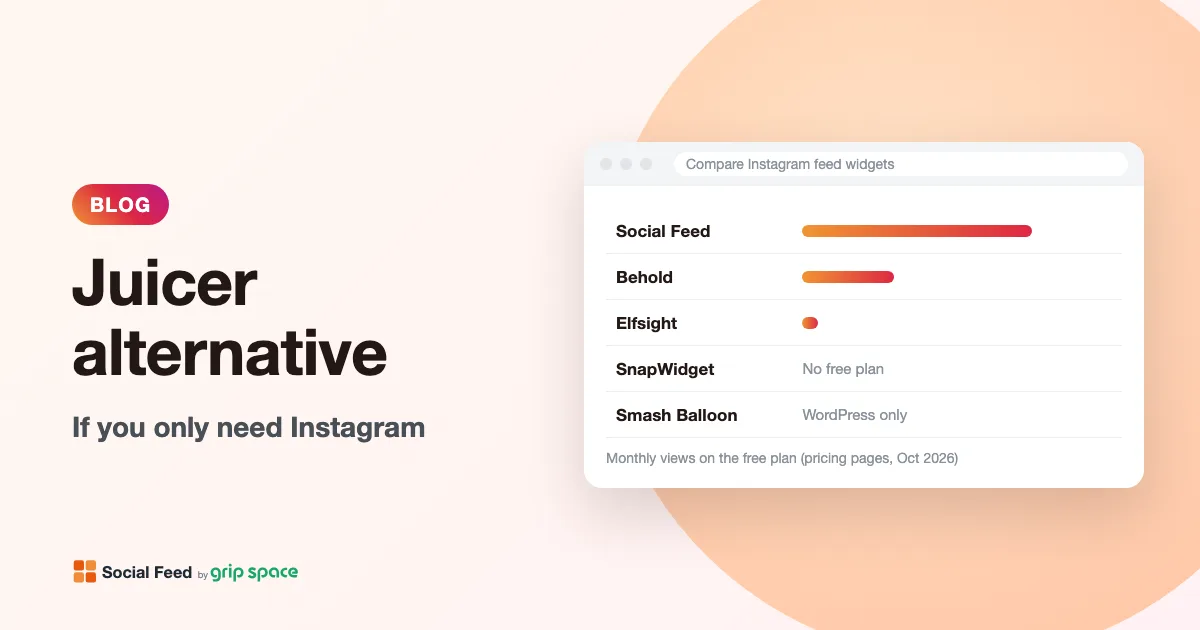
Juicer alternative if you only need Instagram
Juicer is a social wall for many networks. If you only show your own Instagram, compare views, update speed and price with a single-network feed widget.
Read the article →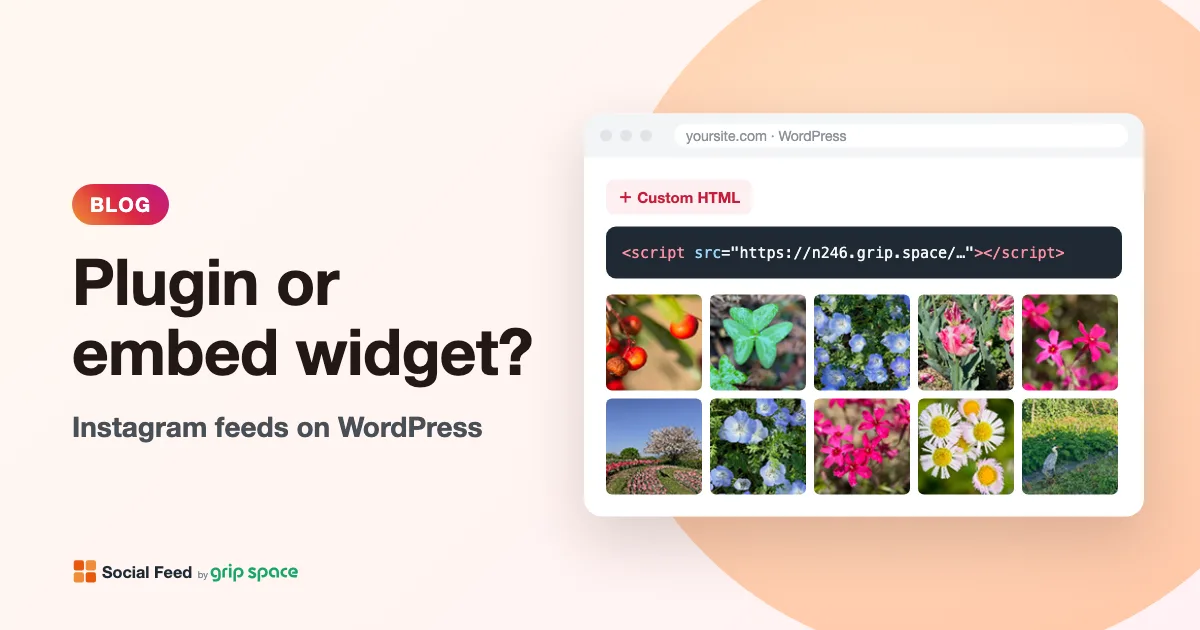
WordPress Instagram plugin or embed widget: which should you use?
A WordPress Instagram plugin runs on your server; an embed widget is a hosted script. How each handles updates, caching, user roles and moving platforms.
Read the article →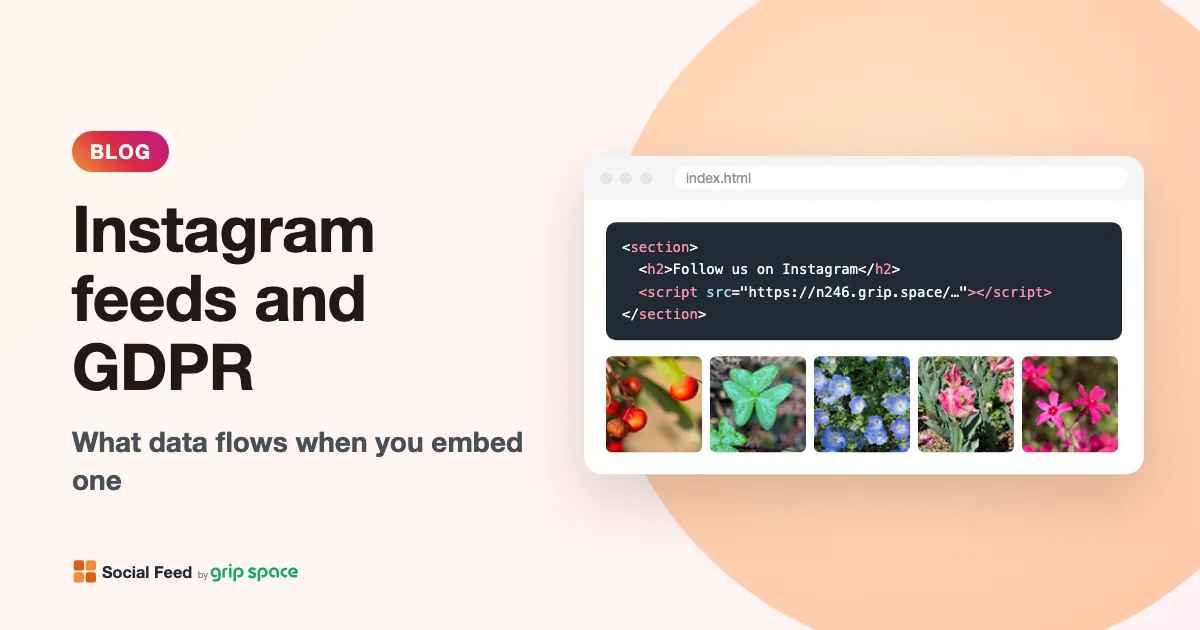
Instagram feeds and GDPR: what data flows when you embed one
What a visitor’s browser sends, and to whom, when your site shows an Instagram feed: our server, Instagram’s image servers, cookies and GDPR questions.
Read the article →