
Behold alternative: Instagram feed widget compared
Behold is a well-made Instagram feed service with a clear plan ladder, developer-friendly JSON feeds and strong curation tools on its higher plans. It is also one of the closest tools to Social Feed by grip space: both are hosted, both focus on Instagram, and both work on any site that accepts an embed code. So the choice comes down to details: how many views and posts you need, how fast new posts must appear, and whether you need Behold’s extras. This comparison goes through those details plan by plan and is clear about where Behold is the stronger option.
Updated October 12, 2026
The short answer
- You are a developer who wants raw data: Behold’s JSON feeds (on every plan, including Free) and its components for React, Vue, Svelte, Angular, Preact and Solid make it the better choice. We offer only the ready-made widget.
- You want Instagram posts in Klaviyo emails: Behold offers Klaviyo feeds from its Pro plan. We do not support email.
- You need to pin, reorder or hide individual posts: Behold’s Business plan does this. Our widget filters posts by rules (type, date, caption keywords) but cannot pick single posts.
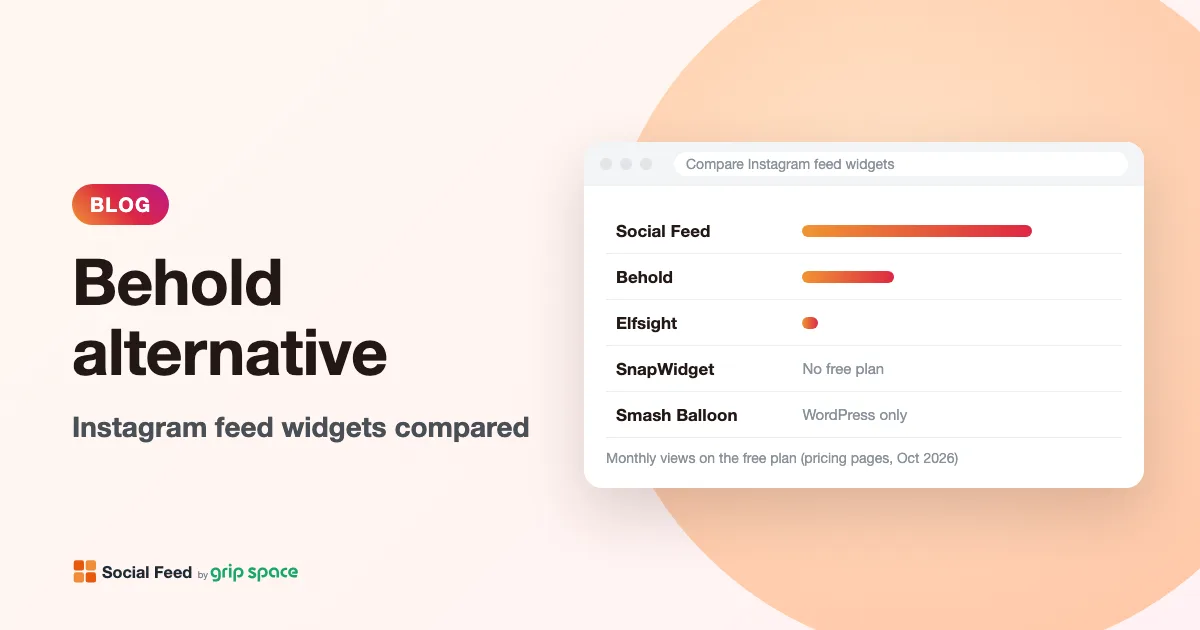
- You want a free feed with more room: our Free plan gives 3,000 views a month and up to 16 posts, against Behold Free’s 1,200 views and 6 posts.
- You have moderate or high traffic on a budget: our Light ($8) and Standard ($24) plans cover more views per dollar than Behold’s Starter ($10) and Pro ($30), and new posts appear right away instead of hourly or every 5 minutes.
Plans side by side
| Plan | Price a month | Views a month | Feeds / widgets | Posts per feed | Updates |
|---|---|---|---|---|---|
| Behold Free | $0 | 1,200 | 1 | 6 | Once a day |
| Social Feed Free | $0 | 3,000 | 1 | Up to 16 | Once a day |
| Social Feed Light | $8 ($80 a year) | 30,000 | 3 | Up to 30 | Right away |
| Behold Starter | $10 | 15,000 | 3 | 50 | Once an hour |
| Social Feed Standard | $24 ($240 a year) | Unlimited | Unlimited | Up to 50 | Right away |
| Behold Pro | $30 | 125,000 | 15 | 100 | Every 5 minutes |
| Behold Business | $60 | 500,000 | 30 | 150 | Every 5 minutes |
| Behold Scale | $180 | Unlimited | Not stated | Not stated | Every minute |
| Behold Enterprise | Contact sales | Custom | Custom | Not stated | Not stated |
Behold’s sign-up links mention yearly plans, but the pricing page does not show yearly amounts, so we compare monthly prices. Our yearly prices are shown in brackets. Behold Free shows a Behold logo on hover and has limited widget styles; our Free plan shows a small “Powered by Social Feed” link below the feed. On paid plans both are removed, or with us hidden by default and optional.
Which costs less for your traffic
- Up to 1,200 views a month and 6 posts: both Free plans work. Ours leaves more headroom.
- 1,200 to 3,000 views: our Free plan ($0) versus Behold Starter ($10).
- 3,000 to 15,000 views, up to 3 widgets: our Light ($8) versus Behold Starter ($10). Starter allows 50 posts per feed against our 30; we show new posts right away against Starter’s hourly updates.
- 15,000 to 30,000 views: our Light ($8) versus Behold Pro ($30).
- 30,000 to 125,000 views: our Standard ($24) versus Behold Pro ($30).
- Over 125,000 views: our Standard ($24, unlimited) versus Behold Business ($60, up to 500,000) or Scale ($180, unlimited).
On views per dollar we come out ahead at every level. Behold’s higher plans are not overpriced, though: they buy things we do not offer, such as up to 150 posts per feed, JSON feeds, Klaviyo, curation and, on Scale, one-minute updates and priority email support. Pay for those if you will use them.
Three example sites
Numbers are easier to judge with a concrete case. These are made-up examples to show the math, using each tool’s published limits.
- A café with a feed on its homepage. The homepage gets about 2,500 page views a month, and the owner wants two rows of posts. Behold Free covers 1,200 views and 6 posts, so it would need Starter at $10 a month. Our Free plan covers 3,000 views and up to 16 posts at $0, with new posts once a day.
- An online store with a feed in the footer. The footer appears on every page, and the store gets about 25,000 page views a month. Behold would need Pro ($30) because Starter stops at 15,000. Our Light plan ($8, or $80 a year) covers 30,000 views, with new posts right away.
- A developer building a custom gallery for a client. The design calls for an unusual masonry layout and the posts must also go out in the client’s Klaviyo newsletter. Behold is the clear choice here: its JSON feed lets the developer render posts any way they like, and Pro adds Klaviyo feeds. Our widget cannot output raw data or email content.
How views and limits work on each
Both tools count a view when a page containing the widget loads. Behold’s FAQ puts it as: “Every time someone loads a web page that contains one of our widgets, a view is recorded.” It also counts every request to a JSON feed URL, and does not count image and video requests.
| Behold | Social Feed by grip space | |
|---|---|---|
| Free plan over the limit | Account paused when you hit the limit, until the next month | Keeps showing; pauses only after two months in a row over the limit |
| Paid plans over the limit | “Surge protection”: feeds keep working unless you hit the limit two months in a row | Same rule: pauses only after two months in a row |
| Warnings | Email when you hit the month’s limit | Emails at 80% and 100% of the limit |
The practical difference is on the free plan. A sudden spike on Behold Free pauses the feed for the rest of the month; ours carries on and warns you. Details in what happens at the monthly view limit.
How each widget is embedded
Behold’s widget documentation describes its embed as “a script tag that loads some lightweight JavaScript and a container for your feed”: a custom <behold-widget> element with your feed ID, plus a module script you add once per page. For platforms that strip the custom element, Behold offers a “compatibility embed code.” It also offers official components for several JavaScript frameworks.
Our embed is a single script tag. Wherever you paste it, the widget draws itself right next to it, directly in your page rather than in an iframe:
<script type="text/javascript" src="https://n246.grip.space/api/v1/instagram/widget/xxxxxxxx"></script>Both approaches work on WordPress, Shopify, Wix, Squarespace, Webflow and plain HTML. If you build with React, Next.js or Vue, Behold’s components are more convenient; our approach is described in adding the widget to React, Next.js or Vue.
What Behold does that we don’t
- JSON feeds. “Just an array of posts at a unique URL,” available on every plan, for developers who want to build their own design. We provide only the rendered widget.
- Klaviyo feeds to show your latest posts in email campaigns, from Pro.
- Advanced curation on Business: pin, reorder and hide individual posts, and choose whether new posts are published or hidden by default.
- Hashtag feeds. Behold’s documentation describes hashtag feeds (Top or Recent posts) through an “advanced source,” with the number of hashtags set by your plan. We show only your own account’s posts.
- More posts per feed: 50 on Starter, 100 on Pro, 150 on Business. Our maximum is 50, on Standard.
- More layouts and styling: a flexible grid, gallery-wall layouts and an “elastic carousel” (paid plans), with settings for aspect ratio, corner radius, gap and hover styles, and different styles per breakpoint.
- Framework components for React, Vue, Svelte, Angular, Preact and Solid.
- A domain whitelist so the widget only works on sites you list.
- Optimized images. The widgets page says images are optimized and served from a CDN, with code and images loaded lazily. Our widget loads images directly from Instagram’s servers at the size Instagram provides.
- Enterprise options: an Admin API, a 99.9% SLA, signed standard terms and a VPAT/ACR on request.
- Faster updates at the top end: every minute on Scale.
What Social Feed by grip space does differently
- A roomier free plan. 3,000 views and up to 16 posts, enough for a proper grid (four rows of four, for example). Behold Free’s 6 posts make one or two short rows. See our free plan in detail.
- New posts right away on paid plans. No hourly or 5-minute wait. Useful for shops announcing drops or venues posting tonight’s event.
- A date range filter. Show only posts from the last 30, 90 or 365 days, so old offers drop off by themselves. See showing recent posts only.
- Account header with a Follow button showing your profile picture, username and post count, with your own button label and color.
- Lightbox with details. The caption and/or like count, videos that play in place, and arrows through every image of a carousel post.
- A Published switch to hide a widget without touching your site, and a Duplicate button to copy a widget’s settings for another page. See different feeds on different pages.
- View counts per widget with a 30-day chart in the dashboard, on every plan.
- A grace month on Free, as described above.
- Automatic language. Widget text such as “Follow” and “View on Instagram” appears in English or Japanese depending on your page’s language.
Accessibility and performance
Behold’s widgets page says it tests “thoroughly” for accessibility following industry standards, mentions WCAG and ADA, and keyboard and screen reader support; its Enterprise plan offers a VPAT/ACR on request. That is a strong statement, and if you need formal documentation for procurement, Behold can provide it and we cannot.
Our widget also covers the basics. Every image has alt text: the alt text you set on Instagram, otherwise the start of the caption, otherwise “Instagram post by @username.” Tiles can be reached with Tab and opened with Enter or Space; the lightbox is a dialog that traps focus, closes with Escape and returns focus to the tile you opened. Slider arrows are labeled, and a “Text color” setting switches to light text for dark backgrounds. See accessible social media embeds and adding alt text on Instagram.
On performance, the widget sets no cookies and uses no local storage. In a grid, the first row loads right away and the rest load as visitors scroll; in a slider, all tiles load at once. More in embed vs widget speed.
How many posts do you really need?
Posts per feed is one of the biggest differences between the plans, so it helps to know your number before comparing. Most website feeds are smaller than people expect.
- A single row on a homepage or footer usually shows 4 to 6 posts. Behold Free’s 6 posts and our Free plan both cover this.
- A two- or three-row grid on an About or Gallery page needs 8 to 18 posts, depending on columns. Our Free plan covers up to 16; Behold needs Starter.
- A slider can hold more, because only a few tiles are visible at once. 20 to 30 posts gives visitors plenty to swipe through; our Light plan allows 30.
- A large archive-style gallery of 50 to 150 posts is where Behold’s Pro and Business plans stand out. Our maximum is 50, on Standard.
More posts also means more images to load. In our grid, rows below the first wait until visitors scroll near them, but a smaller, well-chosen set often looks better anyway. Our grid or slider guide has suggestions for columns and post counts.
Questions to ask before switching
- Does anything read your Behold JSON feed? A custom page, an app or a newsletter may depend on it. Check with whoever built your site before cancelling.
- Have you pinned or hidden posts? Those choices will not carry over. Decide whether a caption keyword or date range filter can do the same job.
- How many posts does each feed show? If it is more than 50, our widget cannot match it.
- How many page views do the feed pages get? That decides which of our plans fits, and whether switching saves money.
How to switch from Behold
- Check what your Behold feeds rely on. If you use JSON feeds, Klaviyo, hashtag feeds or pinned posts, those parts cannot move to our widget. Keep them on Behold, and move only plain website widgets if that still makes sense.
- Confirm your Instagram account is Business or Creator. We use the official Instagram API, which requires a professional account. See switching account type.
- Create a widget. Sign up, click “+ Connect Instagram account”, log in to Instagram and open “Settings & preview”.
- Rebuild the design with the mapping table below.
- Copy the code from “Add the embed code to your website.”
- Remove the Behold embed. Delete the <behold-widget> element and, if no other Behold feed remains on the page, its script tag. Paste our script where the feed should appear.
- Test the live page on desktop and mobile. Many editors do not run scripts while you edit; see feed not showing in the editor.
- Downgrade or cancel Behold once you no longer need it. Behold says downgrades are processed immediately with a credit for unused time.
Platform steps: WordPress, Shopify, Wix, Squarespace, Webflow, HTML.
Mapping Behold settings
| Behold | Social Feed by grip space | Notes |
|---|---|---|
| Flexible grid | Layout: Grid | Columns and number of posts |
| Elastic carousel | Layout: Slider | Swipe, scroll or arrow buttons |
| Gallery wall | No equivalent | Use a grid |
| Gap | Image spacing (px) | |
| Breakpoints | Automatic | Columns drop by themselves when tiles would be narrower than about 100 px, based on the widget’s own width |
| Aspect ratio, corner radius | No equivalent | Tiles are square |
| Hover styles | Hover: Instagram icon, or none | |
| Full-screen gallery on click | On click: Open lightbox | Or open Instagram, or do nothing |
| Filter by post type | Reels, videos, carousel filters | |
| Filter by caption or hashtag in caption | Caption keywords | Only matching posts, or exclude matching posts |
| Pin, reorder, hide | No equivalent | Filters only |
| Domain whitelist | No equivalent |
Privacy and consent
The Behold pages we checked do not describe cookies or consent, so read Behold’s privacy policy if your site serves visitors under GDPR or similar rules. Its documentation does describe a domain whitelist, which limits where your widget can be shown.
For our widget: it sets no cookies and stores nothing in the visitor’s browser. The script loads from our service, and images and videos load straight from Instagram’s servers, so visitors’ browsers connect to Instagram when the feed appears. List both in your privacy policy, and if your consent tool holds back third-party embeds until visitors agree, include the feed. If your site uses a Content Security Policy, see what to allow. This is general information, not legal advice.
Who should stay with Behold
- Developers who use the JSON feed or framework components.
- Brands that send Instagram content in Klaviyo emails.
- Teams that hand-pick posts with pinning, reordering or hide-by-default.
- Sites that need more than 50 posts per feed, hashtag feeds, or gallery-wall layouts.
- Organizations that need an SLA, signed terms or a VPAT.
If your needs are a clean feed of your own account, with more free room, faster updates and lower cost per view, Social Feed by grip space is the simpler fit. For other options, see our comparison of 10 Instagram feed tools, the Elfsight alternative, the SnapWidget alternative and, for WordPress, the Smash Balloon alternative.
Frequently asked questions
Is Behold free?
Yes, Behold has a Free plan with one feed, 6 posts, 1,200 views a month and daily updates, with JSON feeds included and a Behold logo on hover.
Can I use both on one site?
Yes. For example, keep a Behold JSON feed for a custom page and use our widget in the footer. They do not interfere, but each tool counts its own views.
Can both show only Reels?
Yes. Behold’s widgets page lists a Reels-only filter, and our widget can show all posts, exclude Reels or show Reels only. See showing only Reels.
How fast does a new post appear with your widget?
Right away on Light and Standard; once a day on Free. If your site uses page caching, the cached page can delay changes; see feed not updating.
What if my Instagram connection expires?
For example after a password change. Our dashboard then shows a “Reconnect Instagram account” button, on every plan. Reconnect the same account and your widgets and embed codes keep working; there is no need to disconnect or paste new code. See changing your Instagram password.
Where are your prices?
In our pricing section: Free $0, Light $8 a month or $80 a year, Standard $24 a month or $240 a year.
Sources
- Behold pricing (plans, limits, features, view definition, limit rules, refunds, upgrades, taxes): https://behold.so/pricing/
- Behold home page (JSON feeds, Klaviyo, Admin API): https://behold.so/
- Behold widgets page (layouts, customization, performance, accessibility, curation): https://behold.so/widgets/
- Behold docs, embedded widget (embed code, widget types, breakpoints, domain whitelist): https://behold.so/docs/widget/
- Behold docs, hashtag feeds: https://behold.so/docs/hashtag-feeds/
- Social Feed by grip space: pricing
Get your embed code in a few minutes. The Free plan needs no credit card.
Sign up freeMore articles
LightWidget alternative for Instagram feeds: an honest comparison
LightWidget vs Social Feed by grip space: per-widget add-ons vs monthly plans, update speed, iframe vs script embed, settings and how to switch.
Read the article →
Juicer alternative if you only need Instagram
Juicer is a social wall for many networks. If you only show your own Instagram, compare views, update speed and price with a single-network feed widget.
Read the article →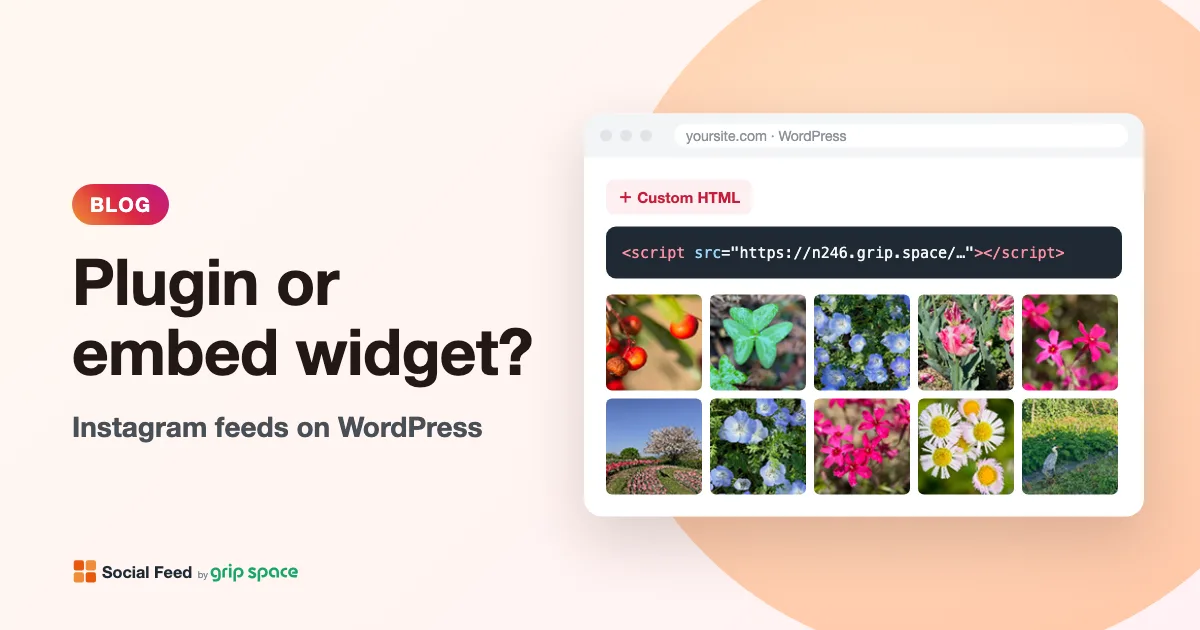
WordPress Instagram plugin or embed widget: which should you use?
A WordPress Instagram plugin runs on your server; an embed widget is a hosted script. How each handles updates, caching, user roles and moving platforms.
Read the article →
Instagram feeds and GDPR: what data flows when you embed one
What a visitor’s browser sends, and to whom, when your site shows an Instagram feed: our server, Instagram’s image servers, cookies and GDPR questions.
Read the article →
Do you need cookie consent for an Instagram feed on your website?
What the cookie rules cover, how Instagram’s native embed and a feed widget differ, what regulators say about embeds, and how to load a feed after consent.
Read the article →
What to write in your privacy policy about Instagram embeds
A plain-language checklist for describing an Instagram feed or embedded post in your privacy policy, with sample wording to adapt and official guidance.
Read the article →